Untrusted: Configures the port as untrusted source of the DHCP messages.
Buttons:
Save – Click to save changes.
Reset – Click to undo any changes made locally and revert to previously saved values.
5.3.2 Statistics
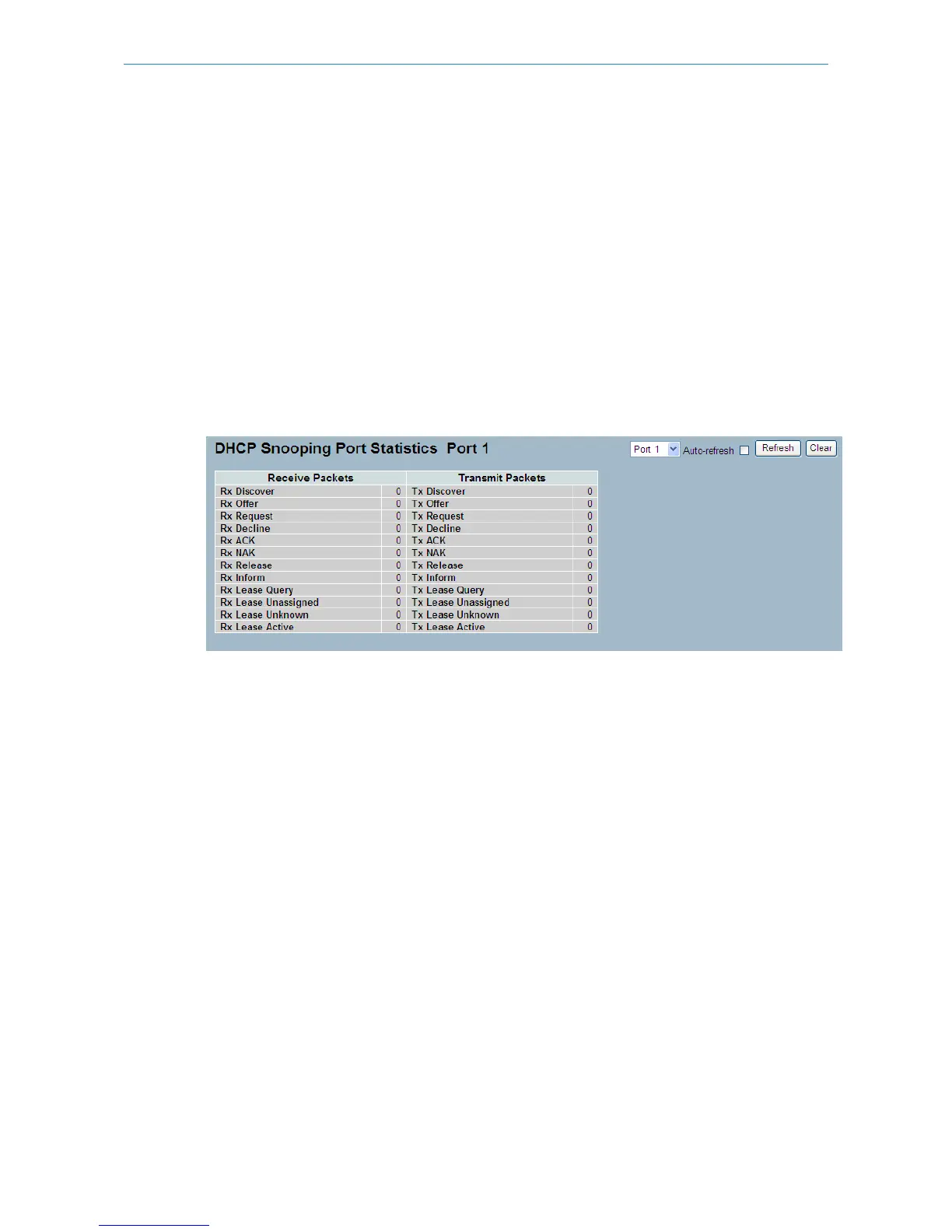
The section describes to show the DHCP Snooping Statistics information of the switch. The statistics shows only packet
counters when DHCP snooping mode is enabled and relay mode is disabled. It doesn't count the DHCP packets for DHCP
clients.
To configure a DHCP Snooping Statistics in the web interface:
1. Specify the Port which you want to monitor.
2. Check “Auto-refresh”.
Figure 5-3.2: The DHCP Snooping Port Statistics
Parameter description:
Rx and Tx Discover:
The number of discover (option 53 with value 1) packets received and transmitted.
Rx and Tx Offer:
The number of offer (option 53 with value 2) packets received and transmitted.
Rx and Tx Request:
The number of request (option 53 with value 3) packets received and transmitted.
Rx and Tx Decline:
The number of decline (option 53 with value 4) packets received and transmitted.
Rx and Tx ACK:
The number of ACK (option 53 with value 5) packets received and transmitted.
Rx and Tx NAK:
The number of NAK (option 53 with value 6) packets received and transmitted.
Rx and Tx Release:
The number of release (option 53 with value 7) packets received and transmitted.
Rx and Tx Inform:
The number of inform (option 53 with value 8) packets received and transmitted.
167
LANCOM GS-2310P/GS-2326(P) User Manual
5 Security



 To Next Page