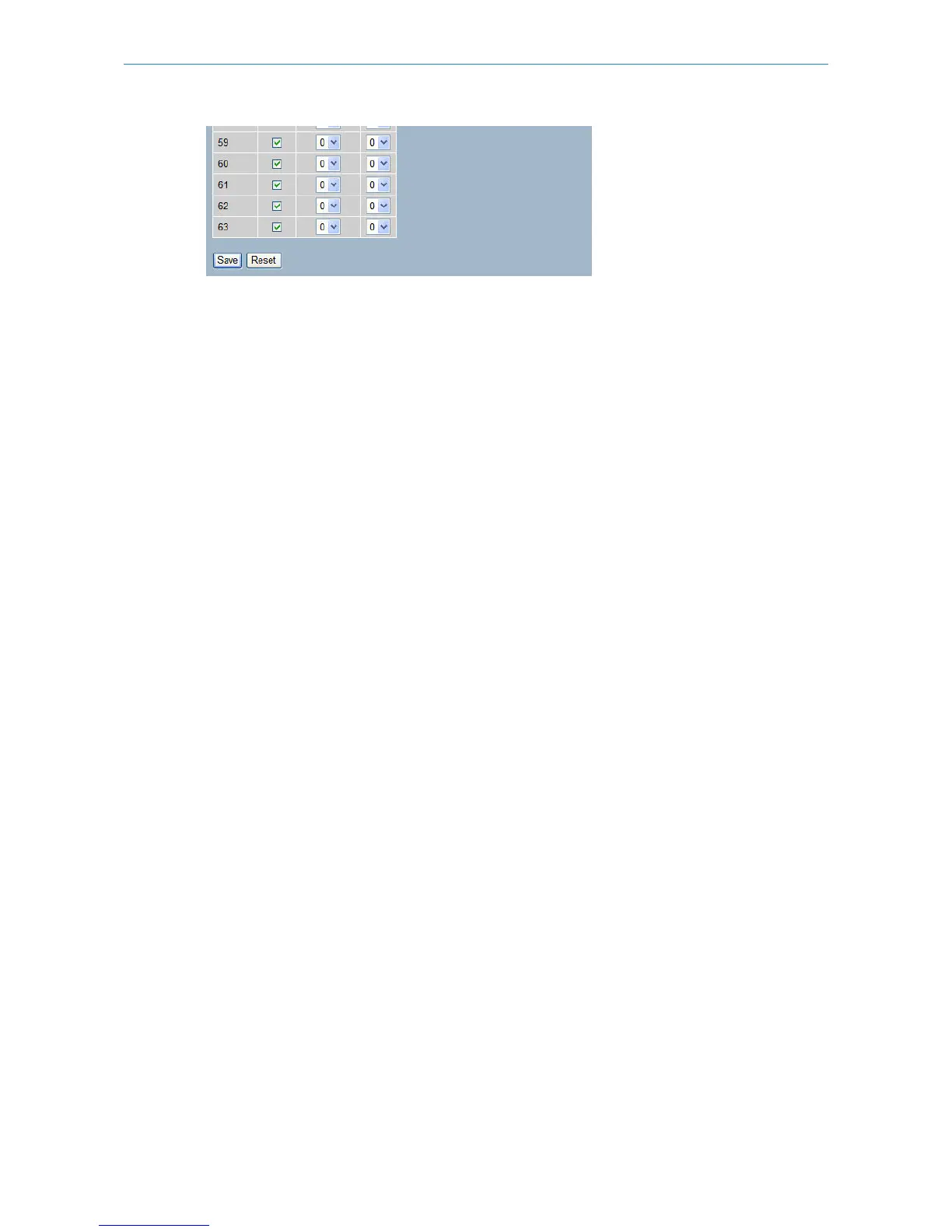
Parameter description:
DSCP:
Maximum number of support ed DSCP values are 64.
Trust:
Click to check if the DSCP value is trusted.
QoS Class:
QoS Class value can be any of (0-7)
DPL:
Drop Precedence Level (0-3)
Buttons:
Save – Click to save changes.
Reset – Click to undo any changes made locally and revert to previously saved values.
3.14.8 DSCP Translation
The section describes how to configure the basic QoS DSCP Translation settings for all switches. DSCP translation can
be done in Ingress or Egress.
Web Interface
To configure the DSCP Translation parameters in the web interface:
1. Click Configuration, QoS, DSCP Translation
2. Set the Ingress Translate and Egress Remap DP0 and Remap
DP1 Parameters
3. Activate to enable or disable Classify
4. Click Apply to save the setting
5. If you want to cancel the setting then you need to click the Reset button. It will revert to previously saved values
Figure 3-14.8: The DSCP Translation Configuration
113
LANCOM GS-2310P/GS-2326(P) User Manual
3 Configuration



 To Next Page