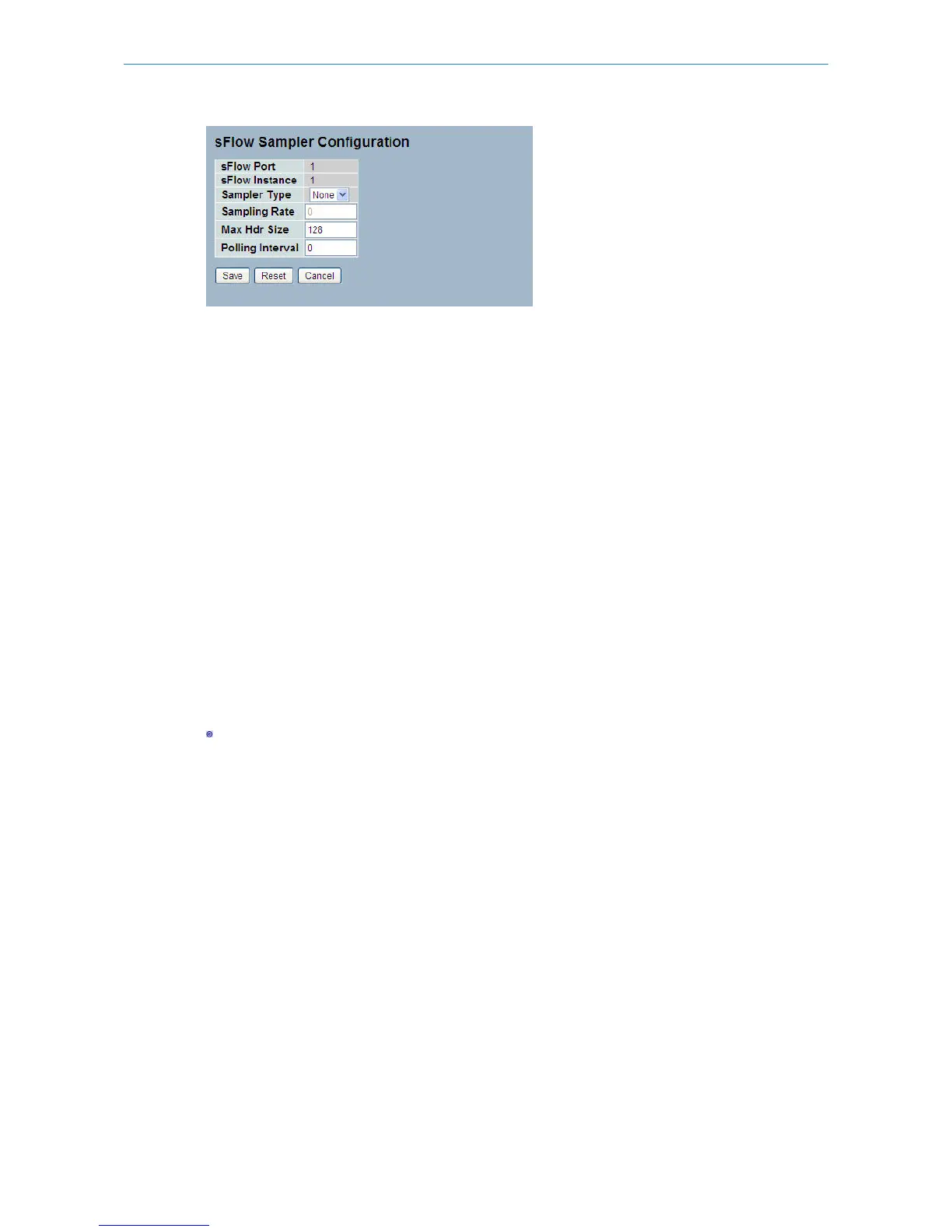
Parameter description:
sFlow Ports:
List of the port numbers on which sFlow is configured.
sFlow Instance:
Configured sFlow instance for the port number.
Sampler Type:
Configured sampler type on the port and could be any of the types: None, Rx, Tx or All. You can scroll to choice one for
your sampler type.
By default, The value is “None”.
Sampling Rate:
Configured sampling rate on the ports.
Max Hdr Size:
Configured size of the header of the sampled frame.
Polling Interval:
Configured polling interval for the counter sampling.
Buttons:
- Edits the Data source sampler configuration.
Save – Click to save changes.
Reset – Click to undo any changes made locally and revert to previously saved values.
Cancel - Click to cancel your changes.
Auto-refresh:
Activate the auto-refresh to refresh the information automatically.
Refresh:
Refresh the sFlow Sampler information manually.
3.17 Loop Protection
The loop Protection is used to detect the presence of traffic. When the switch receives packets (looping detection frame)
with a MAC address equal to its own, the Loop Protection will take action. The port will be locked when it receives the
looping Protection frames.
127
LANCOM GS-2310P/GS-2326(P) User Manual
3 Configuration



 To Next Page