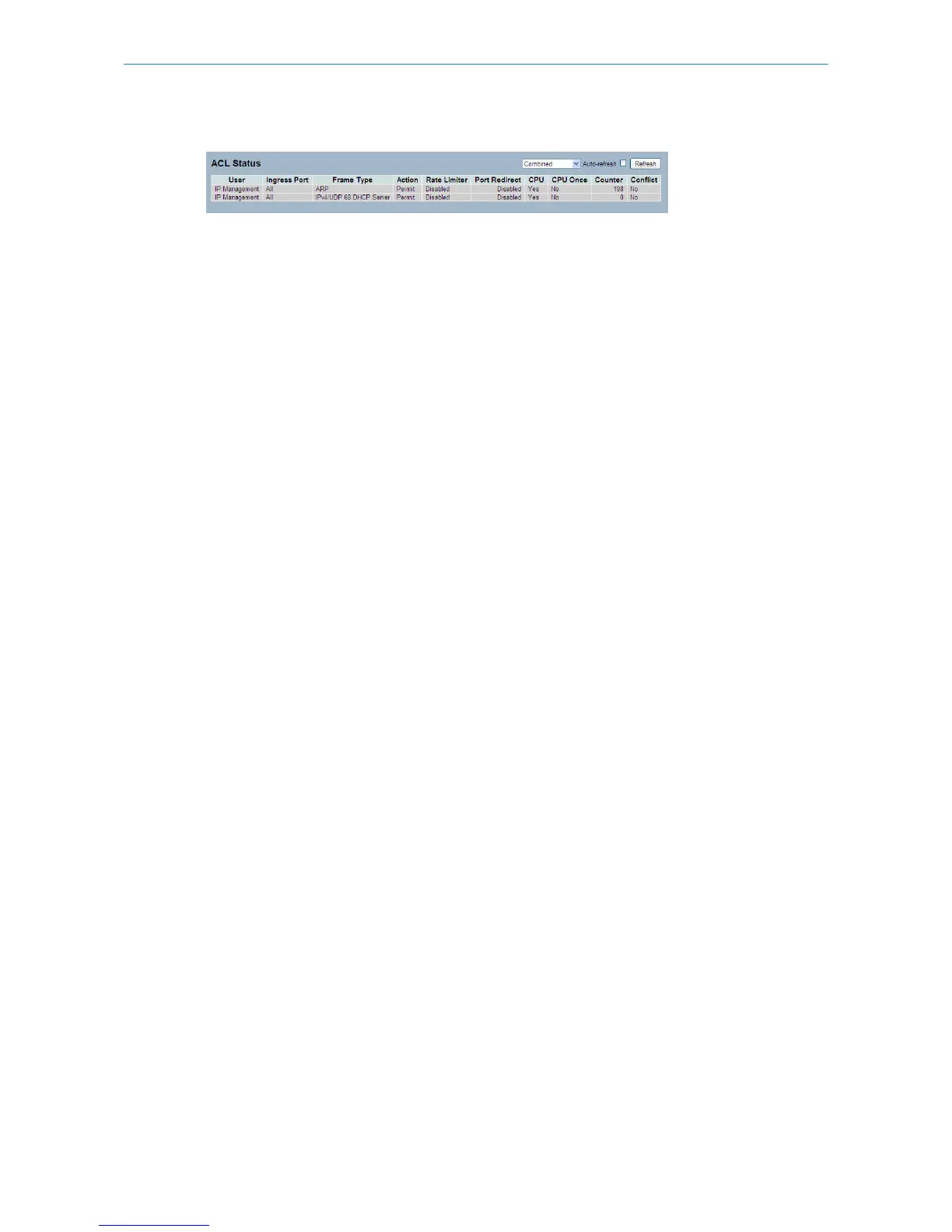
Figure 3-2.4: The ACL Status
Parameter description:
User:
Indicates the ACL user.
Ingress Port:
Indicates the ingress port of the ACE. Possible values are:
Any: The ACE will match any ingress port.
Policy: The ACE will match ingress ports with a specific policy.
Port: The ACE will match a specific ingress port.
Frame Type:
Indicates the frame type of the ACE. Possible values are:
Any: The ACE will match any frame type.
EType: The ACE will match Ethernet Type frames. Note that an Ethernet Type based ACE will not get matched by IP and
ARP frames.
ARP: The ACE will match ARP/RARP frames.
IPv4: The ACE will match all IPv4 frames.
Action:
Indicates the forwarding action of the ACE.
Permit: Frames matching the ACE may be forwarded and learned.
Deny: Frames matching the ACE are dropped.
Rate Limiter:
Indicates the rate limiter number of the ACE. The allowed range is 1 to 16. When Disabled is displayed, the rate limiter
operation is disabled.
Port Copy:
Indicates the port copy operation of the ACE. Frames matching the ACE are copied to the port number. The allowed
values are Disabled or a specific port number. When Disabled is displayed, the port copy operation is disabled.
Mirror:
Specify the mirror operation of this port. The allowed values are:
Enabled: Frames received on the port are mirrored.
Disabled: Frames received on the port are not mirrored.
The default value is "Disabled".
CPU:
Forward packet that matched the specific ACE to CPU.
CPU Once:
Forward first packet that matched the specific ACE to CPU.
Counter:
27
LANCOM GS-2310P/GS-2326(P) User Manual
3 Configuration



 To Next Page