29
www.lannerinc.com
Installing IPMI Card on OPMA Socket
The motherboard of HCP-72I1 comes with a OPMA
socket for IPMI card installation.
1. Locate the OPMA socket.
2. Insert your IPMI card. Make sure the notches
between the card and the socket are aligned.
3. Your IPMI card may come with a display connector.
You may use a cable for connections.
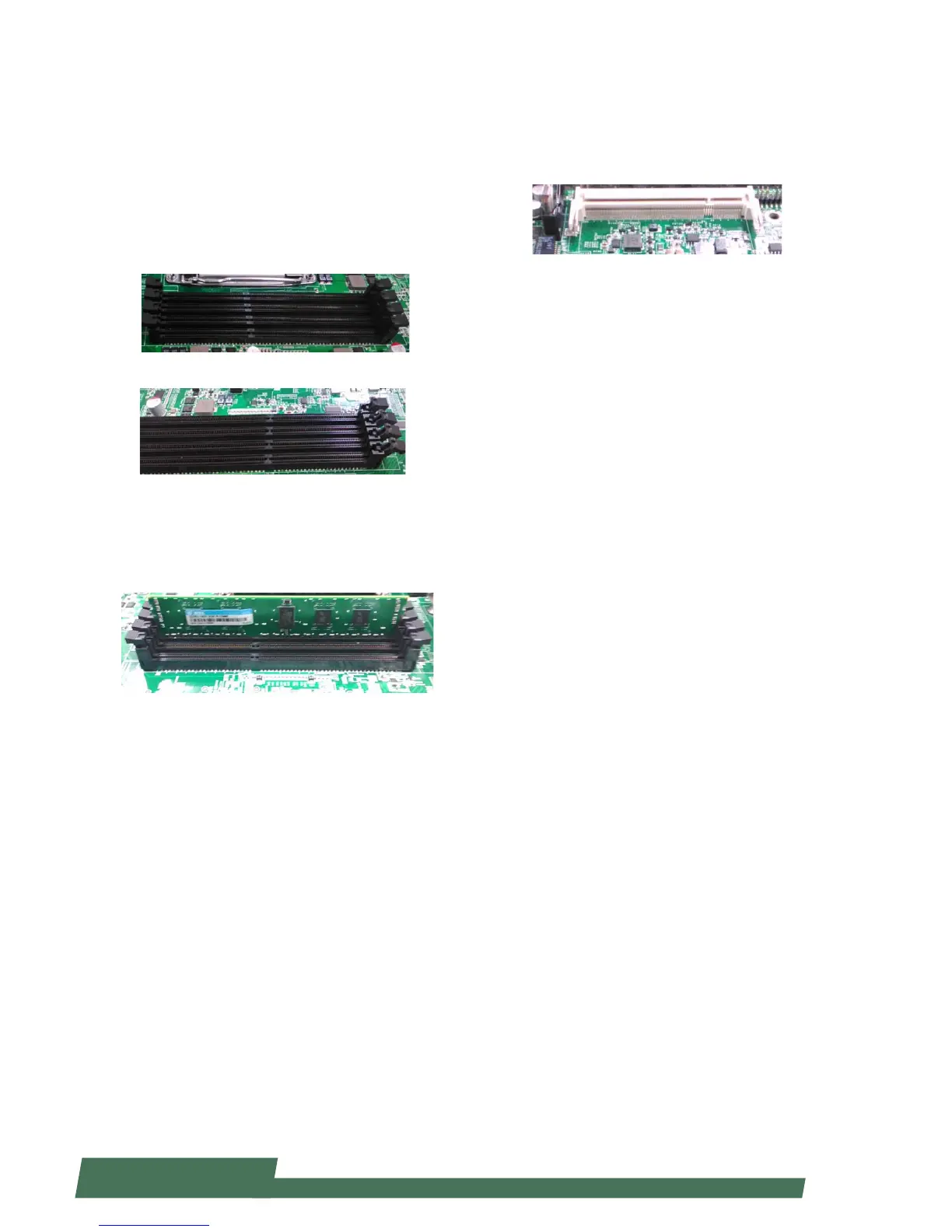
Installing the System Memory
The motherboard supports DDR3 memory to meet the
higher bandwidth requirement of the latest operating
system and Internet applications. It comes with two
double data rate type three (DDR3) Small Outline Dual
Inline Memory Modules (SO-DIMM) sockets.
1. Power o the system
2. Locate the DIMM socket
3. Pull open the latches
4. Align the module and the socket and then insert
the module into the socket. Make sure the notches
are aligned. Press the module until it's fully seated and
close the latches.



 To Next Page