95
www.lannerinc.com
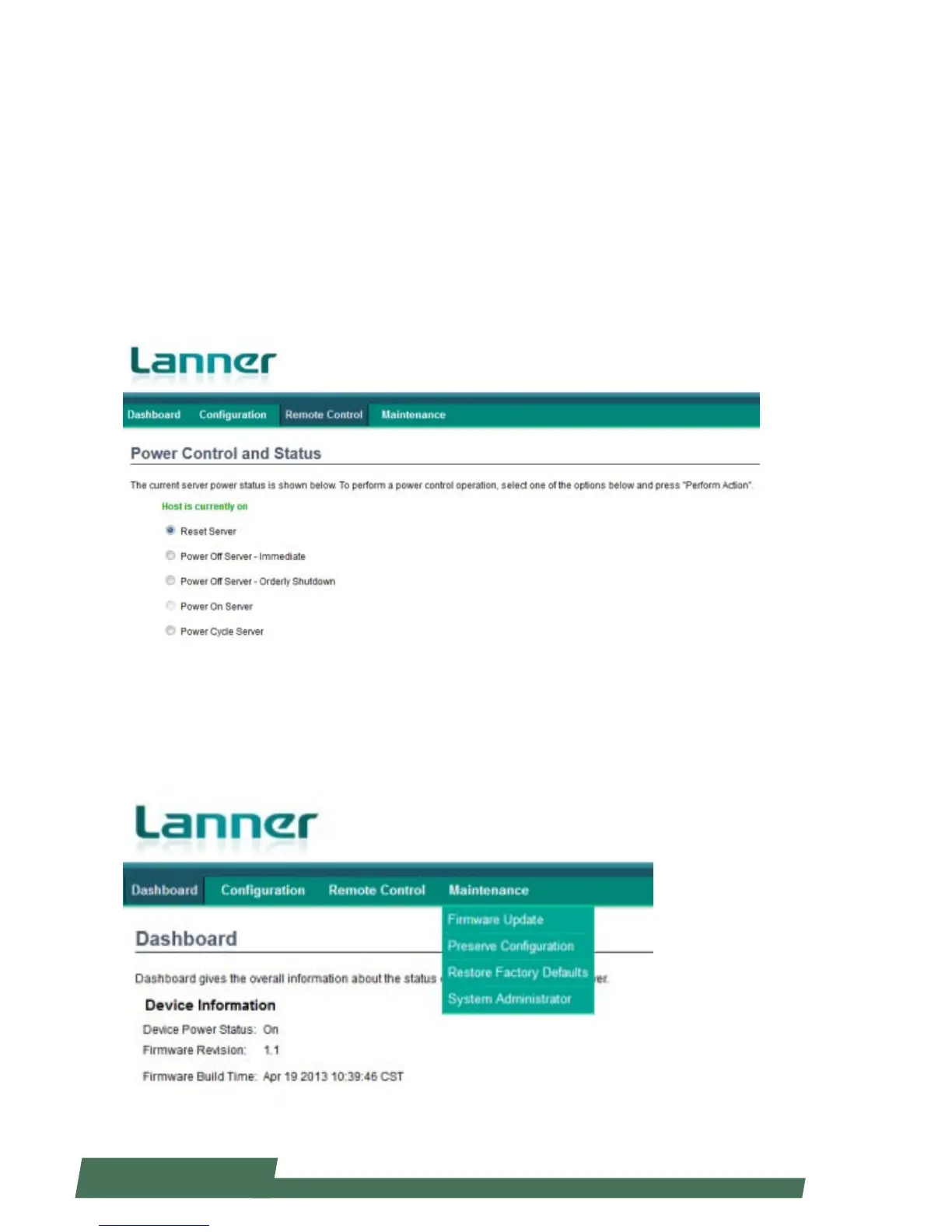
Server Power Control
Click “Server Power Control” under “Remote Control” to select power control options for the remote console.
You may choose the following actions to perform for the host machine.
Reset Server: reset the remote console server
Power Off Server-Immediate: this will power off the remote console server immediately
Power Off Server – Orderly Shutdown: this will power off the remote console server in an orderly way
Power On Server: this will power on the remote console server
Power Cycle Server: if this is activated, the remote console server will experience a cold boot, which will shut it down
first and then boot it up.
Maintenance
Click on “Maintenance” to view maintenance options, including “Firmware Update”, “Preserve Configuration”, “Restore
Factory Defaults” and “System Administrator”.



 To Next Page