48
www.lannerinc.com
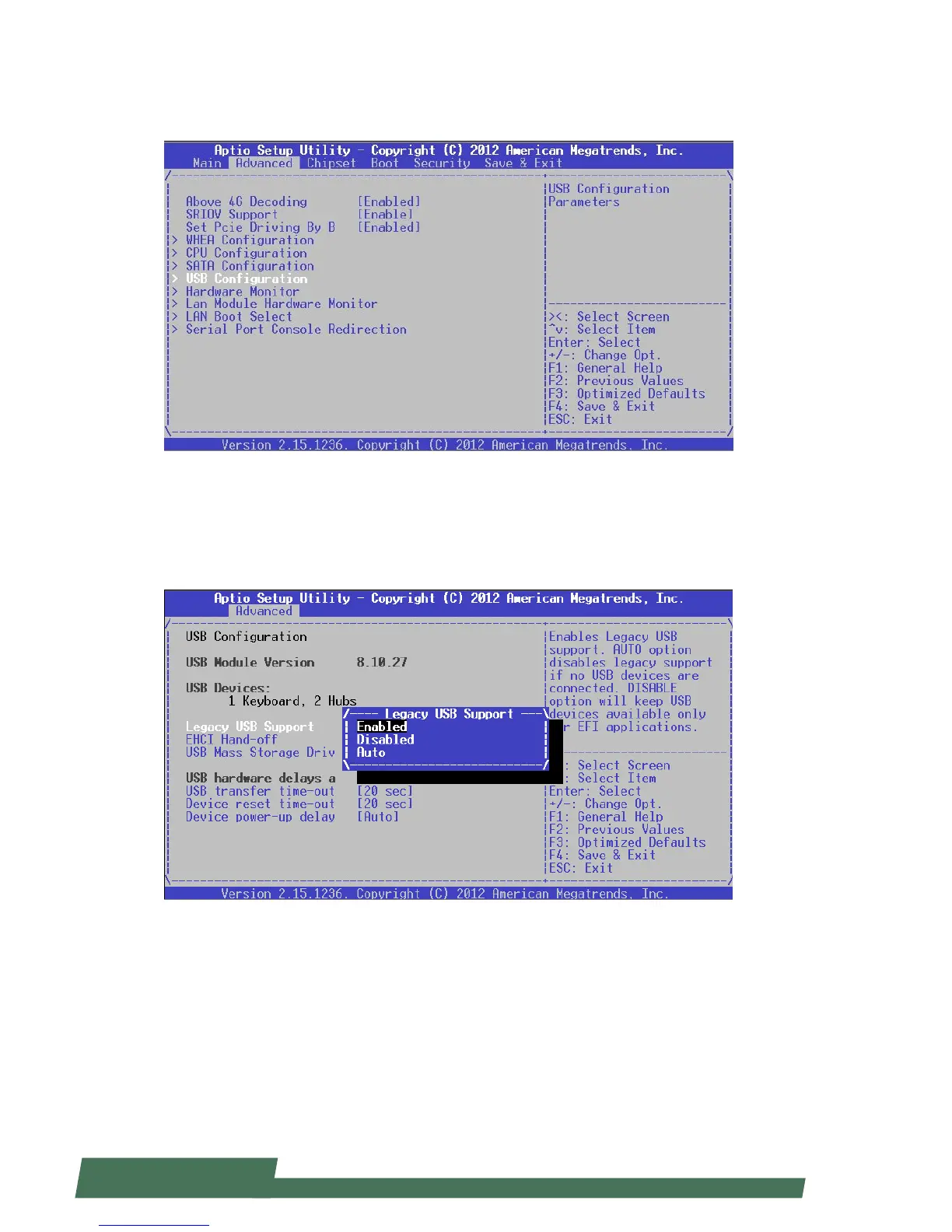
USB Configuration
This option allows you to access USB configuration parameters. Press “Enter” to access the sub-menu.
USB Module Version: displays USB module version information
USB Devices: displays USB device information
Legacy USB Support: enables legacy USB support. “Auto” option disables legacy support if no USB devices are
connected. “Disable” option will keep USB devices available only for EFT applications.



 To Next Page