96
www.lannerinc.com
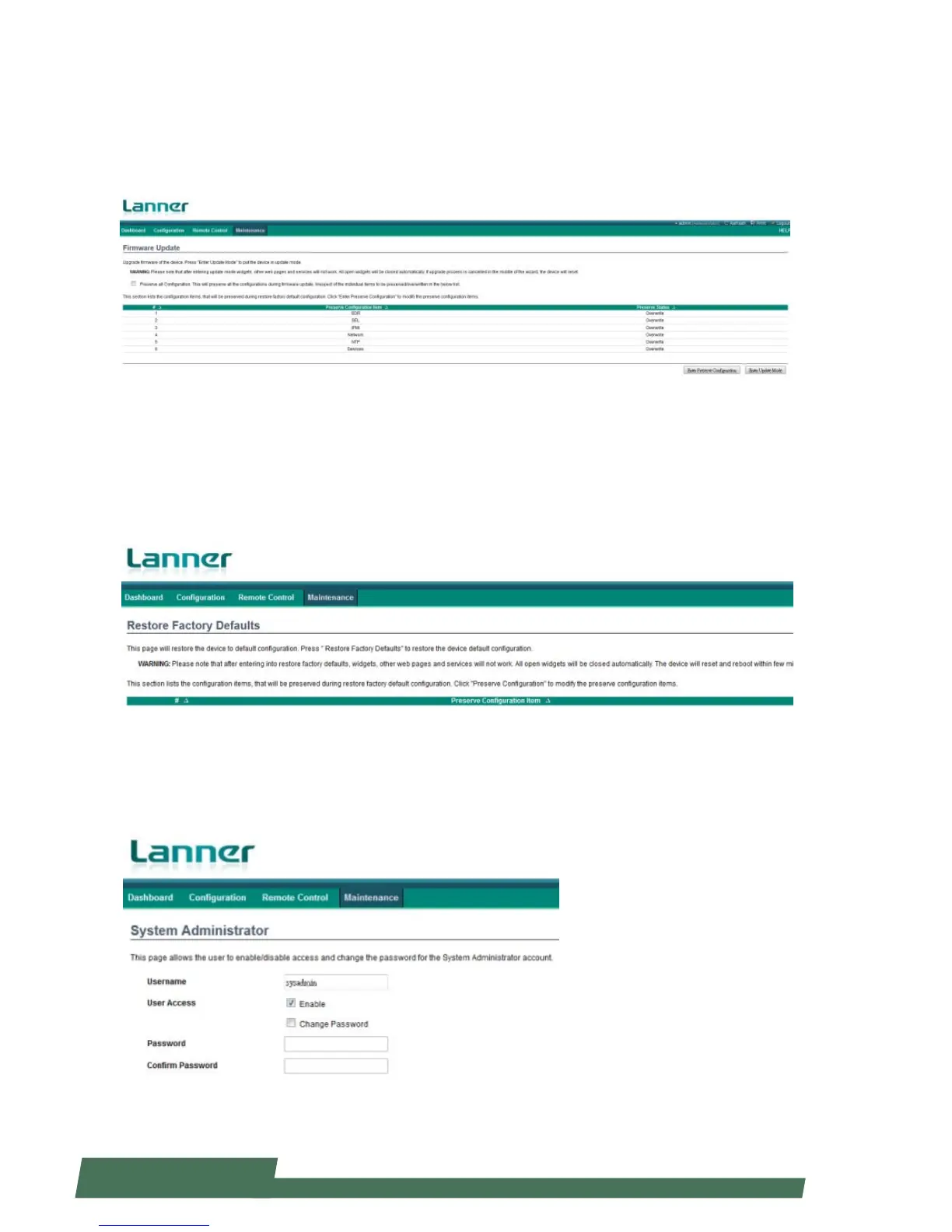
Firmware Update
Click “Firmware Update” under “Maintenance” to update firmware.
Enter Update Mode: this will enable the device in update mode
Enter Preserve Configuration: this will preserve all configurations during firmware update process
Restore Factory Defaults
Click “Restore Factory Defaults” under “Maintenance”. This option will bring the device to original factory default
setting. Please note that all the currently running services or web pages will not work once this function is enabled.
All open widgets will close automatically. If the defautl restoring progress is cancelled during the process, the device
will reset.
System Administrator
This page allows the user to enable or disable access and change the password for the system administrator
account.



 To Next Page