78
www.lannerinc.com
Chapter 6:
IPMI Navigation
IPMI, abbreviation of Intelligent Platform Management Interface, offers system administrators to manage and
monitor computing platforms with standardized interface and protocol. Due to its messaging and hardware-based
nature, IPMI works independently from the operating system, so that system administrators are able to remotely
manage and monitor computing platform status.
Lanner’s IPMI provides rich management features that will enable users to remote monitor their host machines,
while configuring control options. These include:
Remote control viewing options•
DNS configuration options•
SSL upload/generate/view options•
Network setting•
Firmware update•
User information management•
The following will provide a simple walkthrough of Lanner’s IPMI interface.
Reminder
The images shown in the following section are based on the latest version available at the time of this writing.
Therefore, the images may or may not look identical to the screens on your computing systems.
The following interface images are based on web browser operation.
Before You Start
Make sure the proper LAN connection to HCP-72i1. •
IPMI card has been properly installed.•
Prepare a desktop or laptop that is connecting to the same network. Start the computer. (Preferrably a laptop).•
Make sure JAVA is installed in the computer you are using.•
IP Configuration
Configure the IP address on the computer you are using. Please input “192.168.0.100:80”.•
Go to “JAVA” program, then go to “Exception Site List” and add a new location “192.168.0.100:80”.•
Getting Started
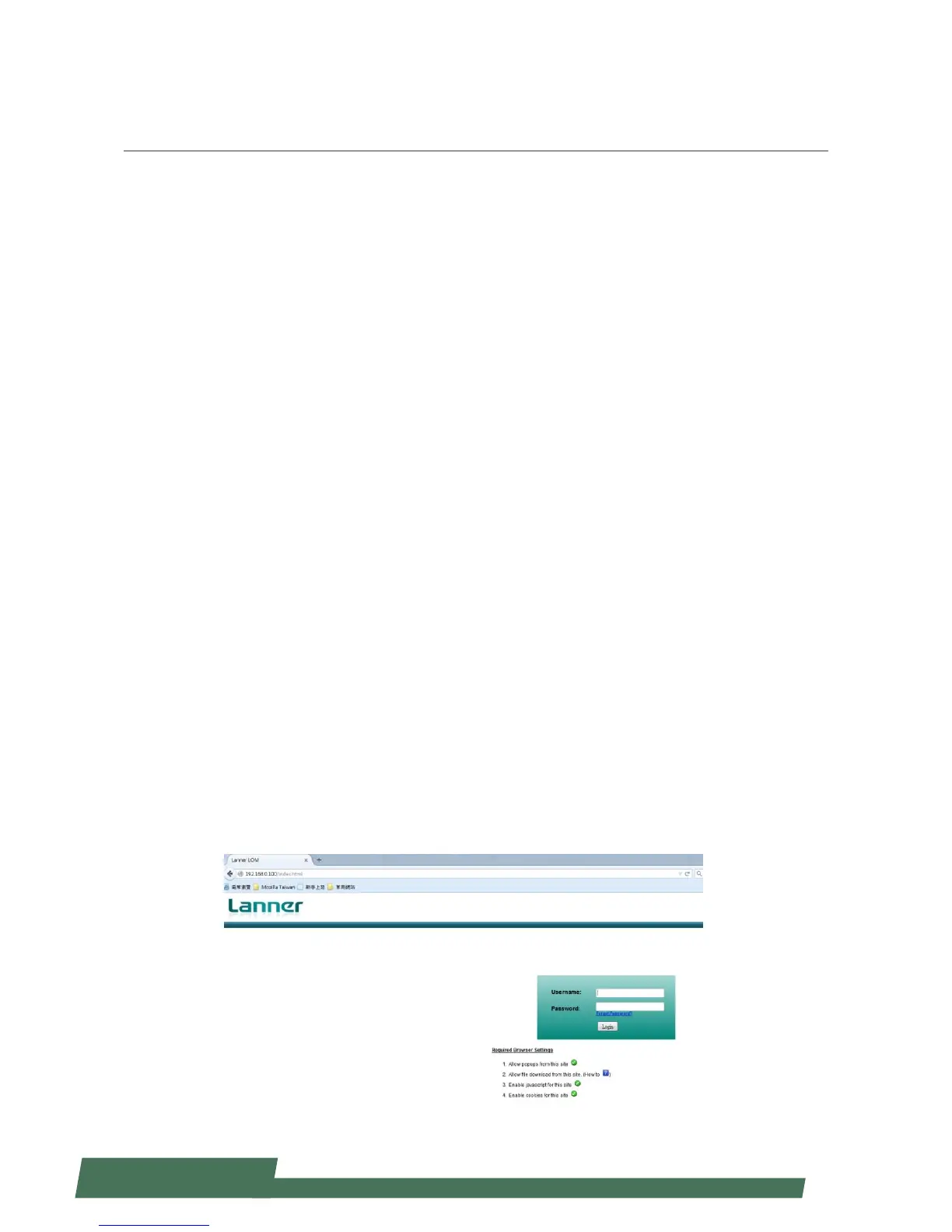
Open a web browser and input “192.168.0.100:80” to launch IPMI interface.
You will be required to enter “Username” and “Password”. The default username and password are “admin” for both.



 To Next Page