81
www.lannerinc.com
Introducing the Remote Control Functions
The Remote Control interface comes with many handy functions for you to navigate the remote console operating
system.
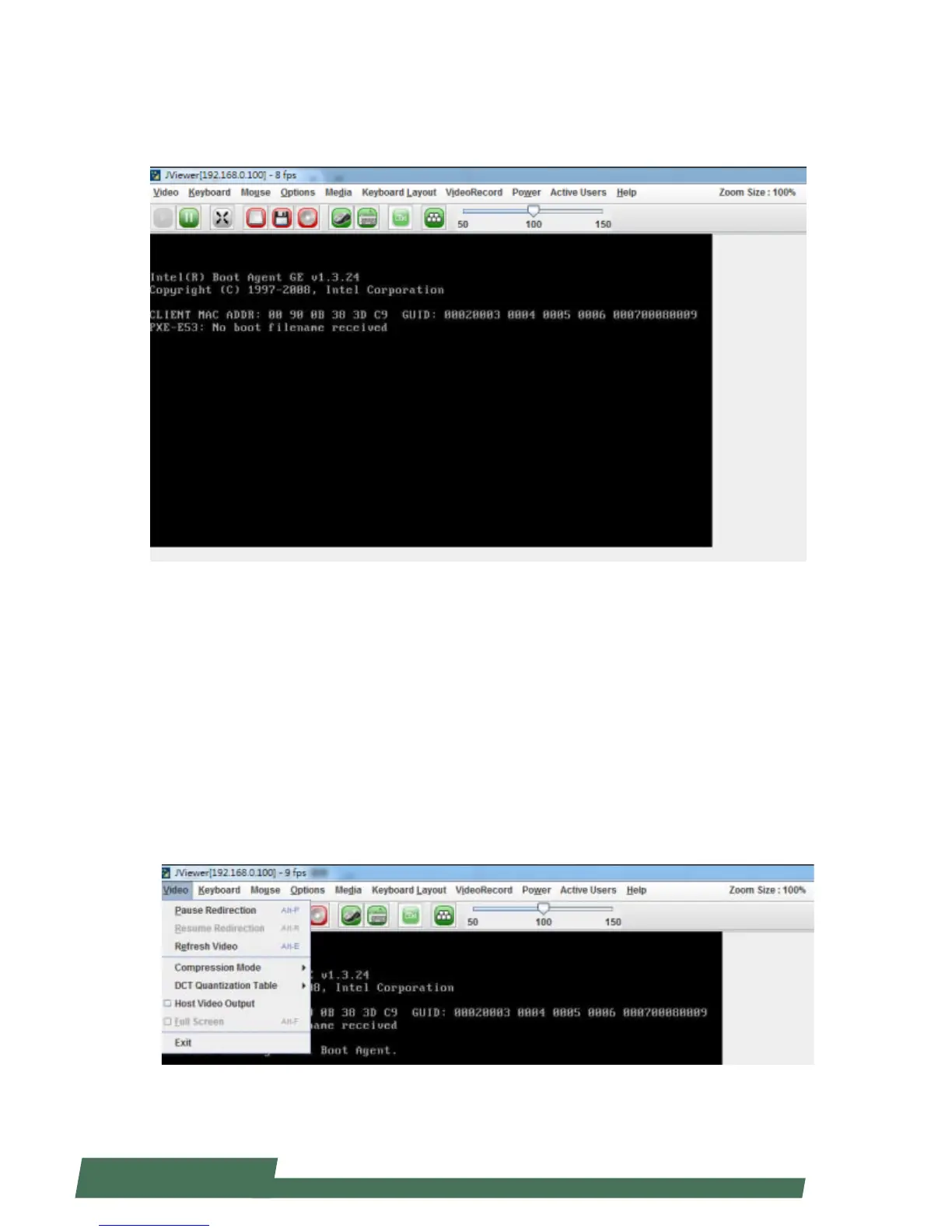
Video
Click “Video” on the task bar to open menu for video related options
Pause Redirection: pause the console redirection
Resume Redirection: resume the console redirection
Refresh Video: refresh the video image of remote console status
Compression Mode: select compression mode
DCT Quantization Table: view DCT Quantization Table
Host Video Output: host machine video output option
Full Screen: to enable full screen viewing option
Exit: to exit



 To Next Page