76
www.lannerinc.com
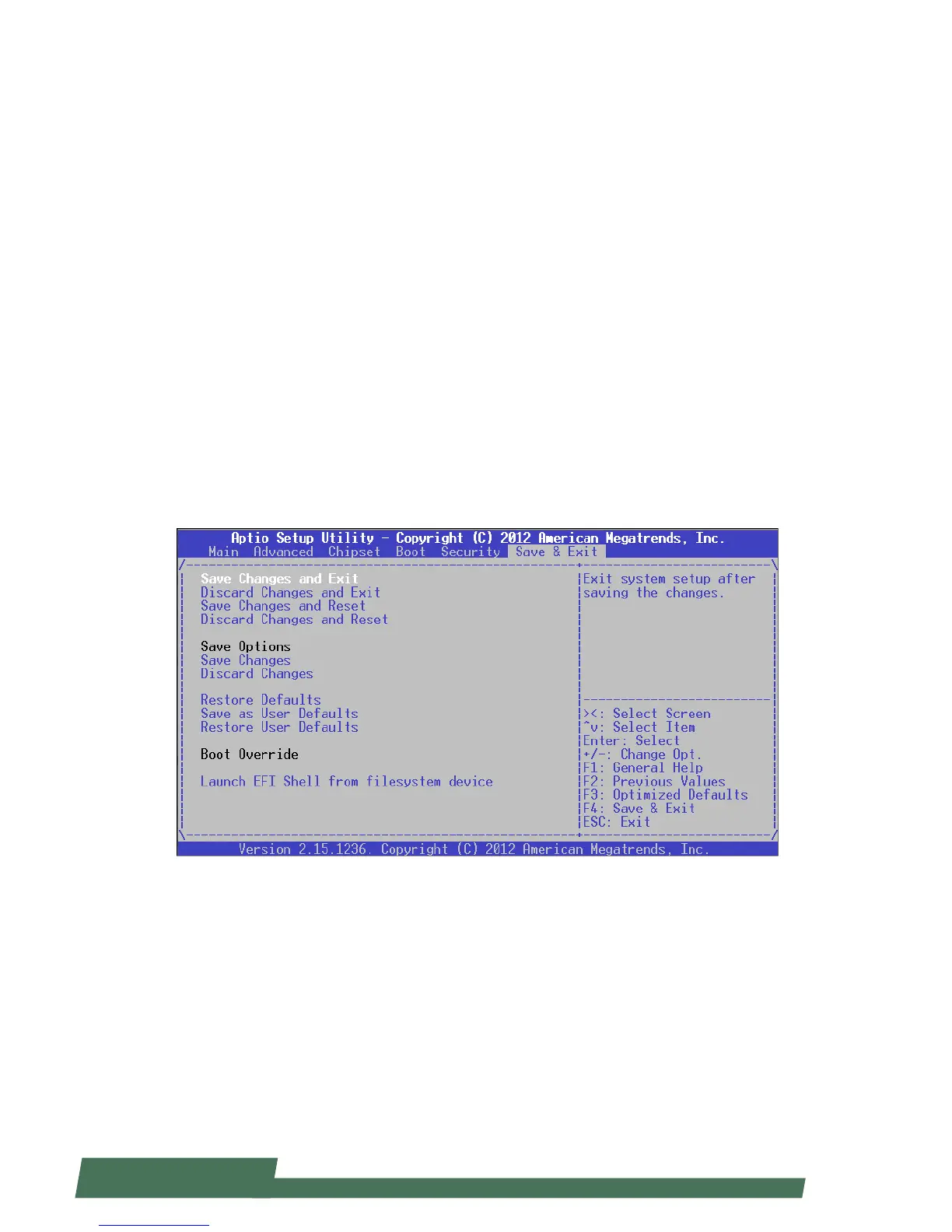
Save & Exit
Use [<--] / [-->] to select [Save & Exit] setup screen. Under this screen, you may use [↑] [↓] to select an item you
want to configure.
Save Changes and Exit: exit system setup after saving the configuration changes
Discard Changes and Exit: exit system setup without saving the configuration changes
Save Changes and Reset: reset the system after saving the configuration changes
Discard Changes and Reset: reset the system without saving the configuration changes
Save Options
Save Changes: save the configuration changes
Discard Changes: discard all the configuration changes
Restore Defaults: restore to factory default setting
Save as User Defaults: save changes as the new user default
Restore User Defaults: restore the user default
Boot Override
Launch EFI Shell from filesystem device: launch Extensive Firmware Interface which will allow you to input Shell
commands



 To Next Page