32
www.lannerinc.com
Replacing Cooling Fans
Cooling fans may have to be replaced as they may reach
the end of their lifetime one day. Please follow the
instructions below to replace cooling fans.
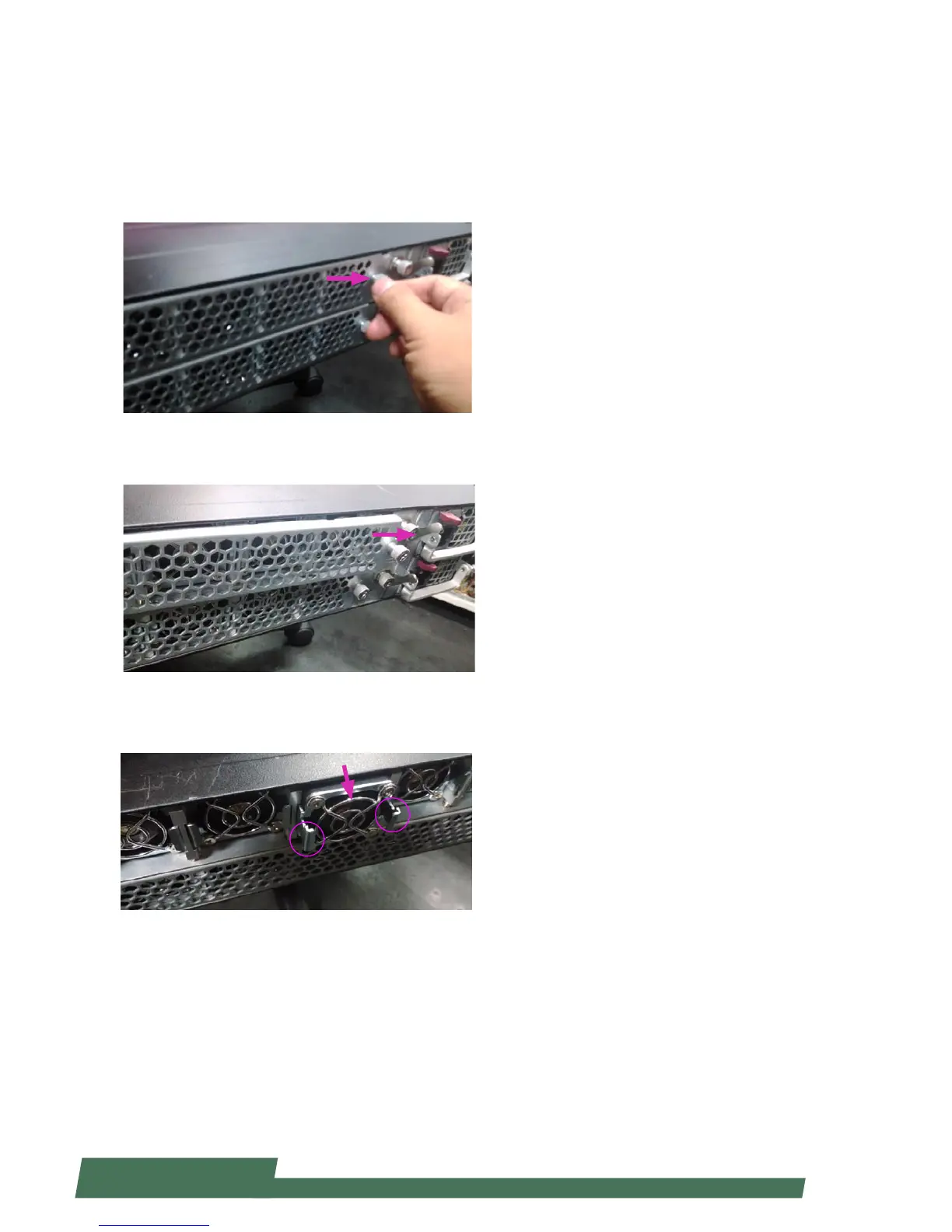
1. Loosen the lock-screw on the cover of the cooling fans
array.
2. Slide the cover to the arrow of direction as shown in
the image below.
3. Apply forces onto the two clips and pull the fan out.



 To Next Page