75
www.lannerinc.com
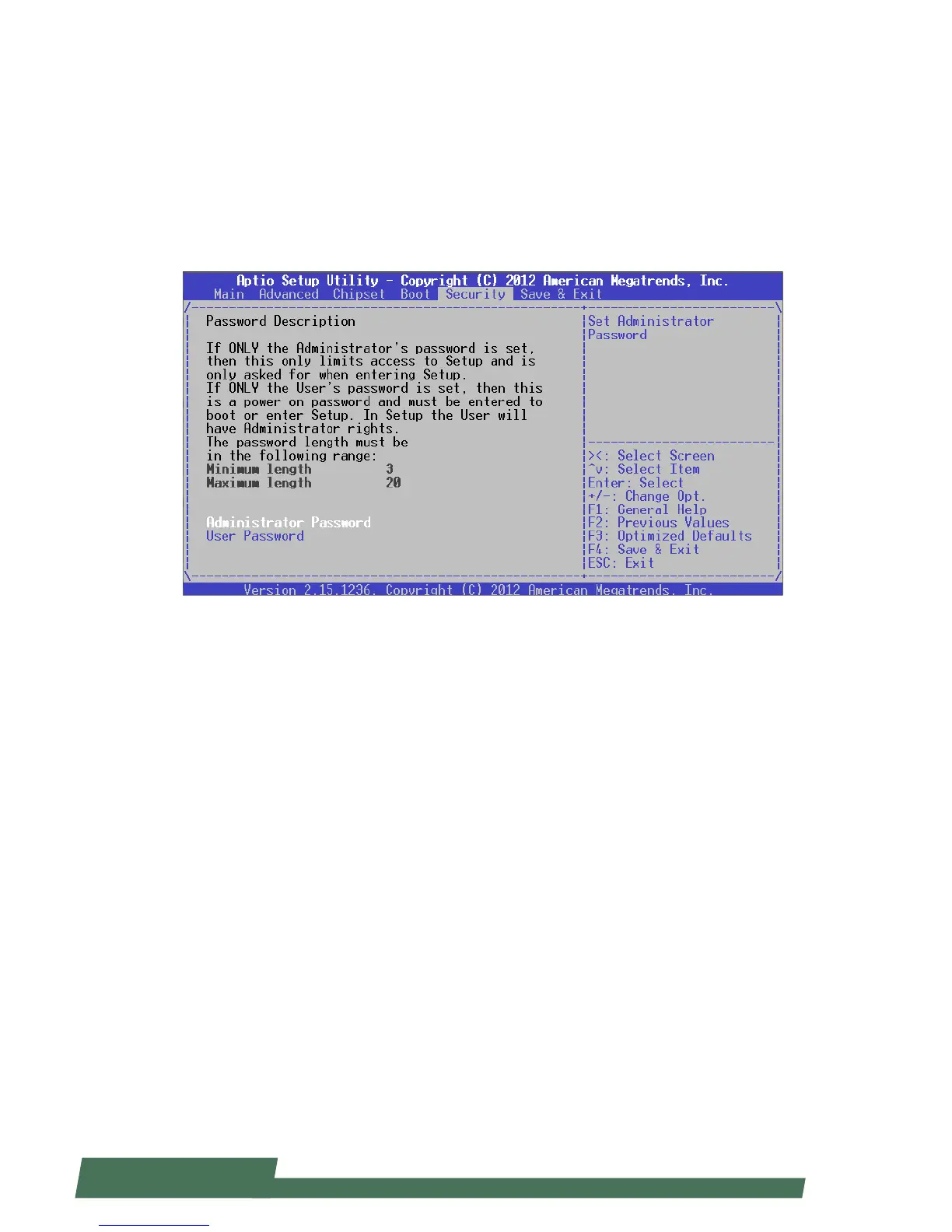
Security
Use [<--] / [-->] to select [Security] setup screen. Under this screen, you may use [↑] [↓] to select an item you
want to configure.
Administrator Password: set administrator password. Once set, then this only limits access to Setup and is only
asked for when entering Setup.
User Password: set user password. Once set, then this is a power-on password and must be entered to boot or enter
Setup. In Setup, the user will have Administrator rights.



 To Next Page