84
www.lannerinc.com
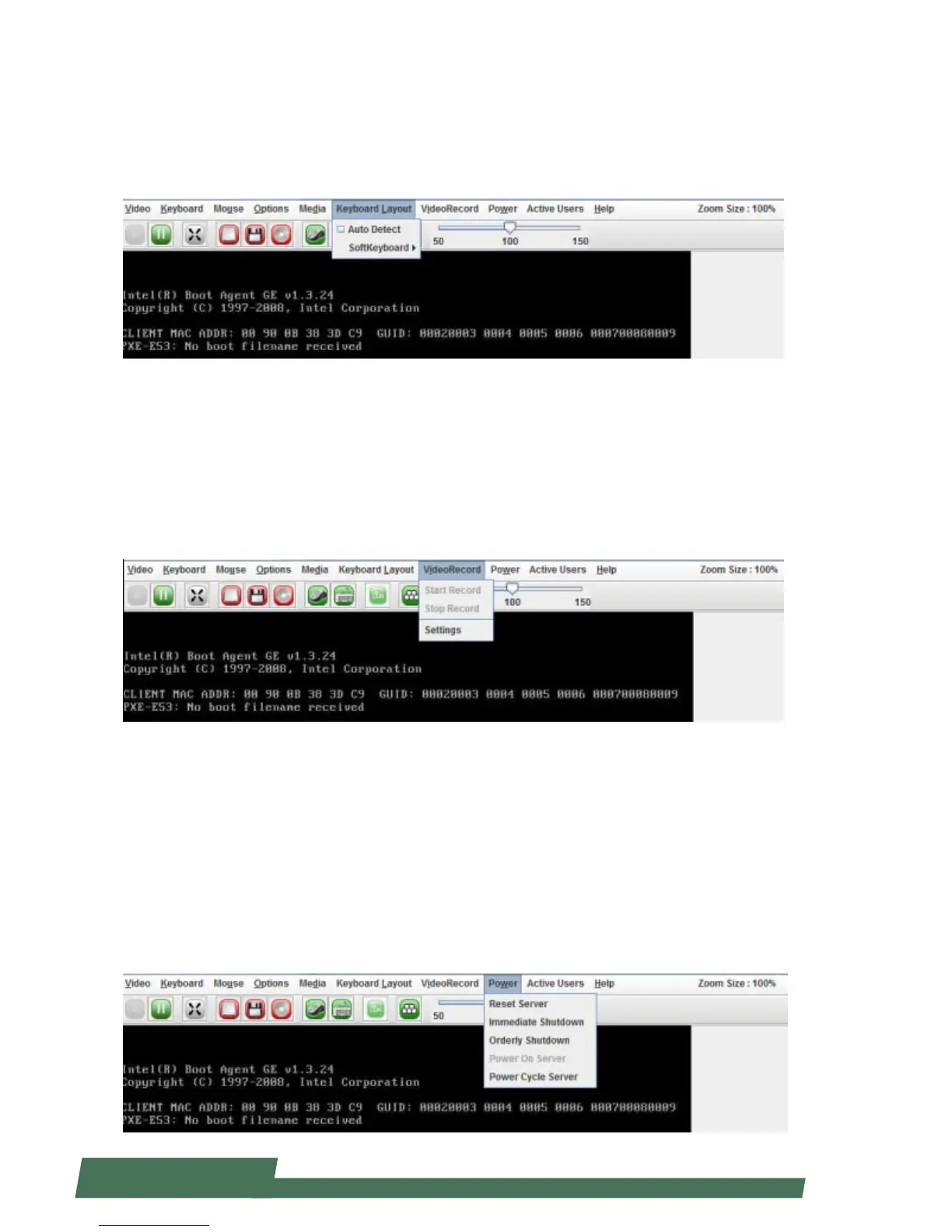
Keyboard Layout
Click “Keyboard Layout” on the task bar to view keyboard layout options:
Auto Detect: enable or disable “Auto Detect”
SoftKeyboard: select and open virtual soft keyboard
VideoRecord
Click “VideoRecord” on the task bar to view video recording options
Start Record: start recording the current conditions of the operating remote console
Stop Record: stop the recording process
Settings: view and select Setting options
Power
Click “Power” on the task bar to view power related options
Reset Server: reset the remote server
Immediate Shutdown: shut down the system immediately
Orderly Shutdown: set shutdown order
Power On Server: power on the remote server
Power Cycle Server: the server will go through a cold boot and reset



 To Next Page