REVIEW MODE ▸ INFO DISPLAYS IN REVIEW MODE
129
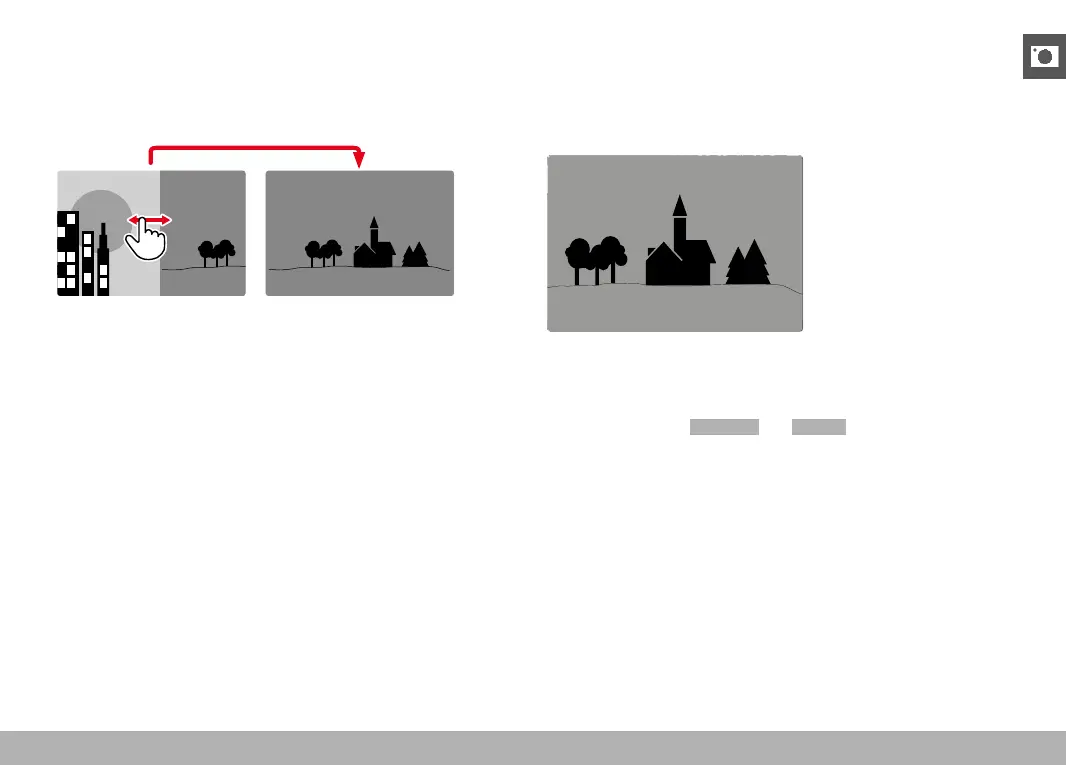
CONTINUOUS
▸ Swipe to the left or right and hold the finger on the edge of the
screen
• The subsequent shots will move past continuously.
INFO DISPLAYS IN REVIEW MODE
With the factory settings in place, recorded pictures will be displayed
without the information in the header and footer lines for an unob-
structed view of the image.
22:45 PM 22.02.2012
999-9000
8234/999912MP
2.8F 1/8000 12500ISO EV
INFO
▸ Press the center button
• The info bars appear (header and footer line always appear/
disappear together in Playback/Review mode).
• The displays for
Histogram and Clipping will appear if these
functions are activated.


 To Next Page