PHOTOGRAPHY ▸ EXPOSURE
98
EXPOSURE MODES
There are four exposure modes available to adjust the rendering of
the object or to create the desired pictorial composition:
– Automatic program (P)
– Aperture priority mode (A)
– Shutter speed priority mode (S)
– Manual setting (M)
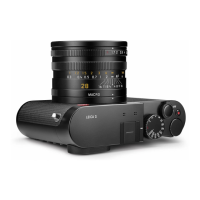
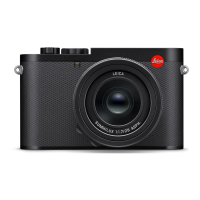
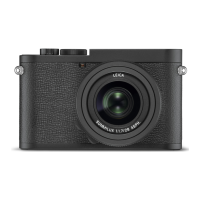
These four “classic” modes are accessed via a relevant setting of the
shutter-speed dial and the aperture ring. A correct setting for the
menu item
Scene Mode (see p. 113) is prerequisite for the use of P,
A, S and M. The menu item P-A-S-M must be selected. Should one of
the 13 object and situational automatic program variants be selected
instead, then that setting will take precedence over the settings of
the physical control elements. The shutter-speed dial and the aper-
ture ring will in that case have no assigned function.
SELECTING A MODE
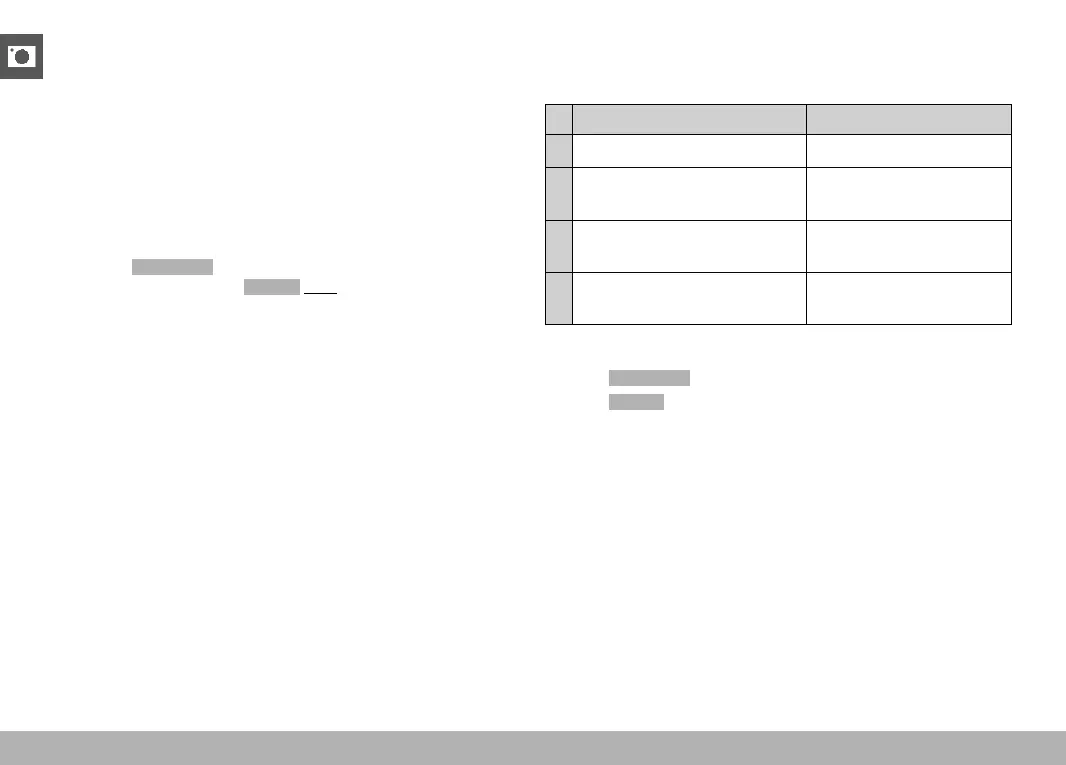
The four operating modes are activated automatically via the following
setting combinations:
Setting via the shutter-speed dial
Setting via the aperture ring
P A A
A
A
manual setting
(not
A)
S
manual setting
(not
A)
A
M
manual setting
(not
A)
manual setting
(not A)
▸ Select
Scene Mode in the main menu
▸ Select
P-A-S-M
▸ Set the shutter-speed dial to the relevant position
▸ Set the aperture ring to the relevant position


 To Next Page