CAMERA BASIC SETTINGS ▸ LCD PANEL/VIEWFINDER SETTINGS
63
▸ Select Display Settings in the main menu
▸ Select
EVF-LCD
▸ Select the desired setting
Note
• Select
EVF if you want to keep the LCD panel switched off (e.g. on
dark environments).
EYE SENSOR SENSITIVITY
You can adjust the eye sensor sensitivity to ensure that the change-
over functions reliably if you wear eyeglasses.
Factory setting:
High
▸ Select Display Settings in the main menu
▸ Select
Eye Sensor Sensitivity
▸ Select the desired setting
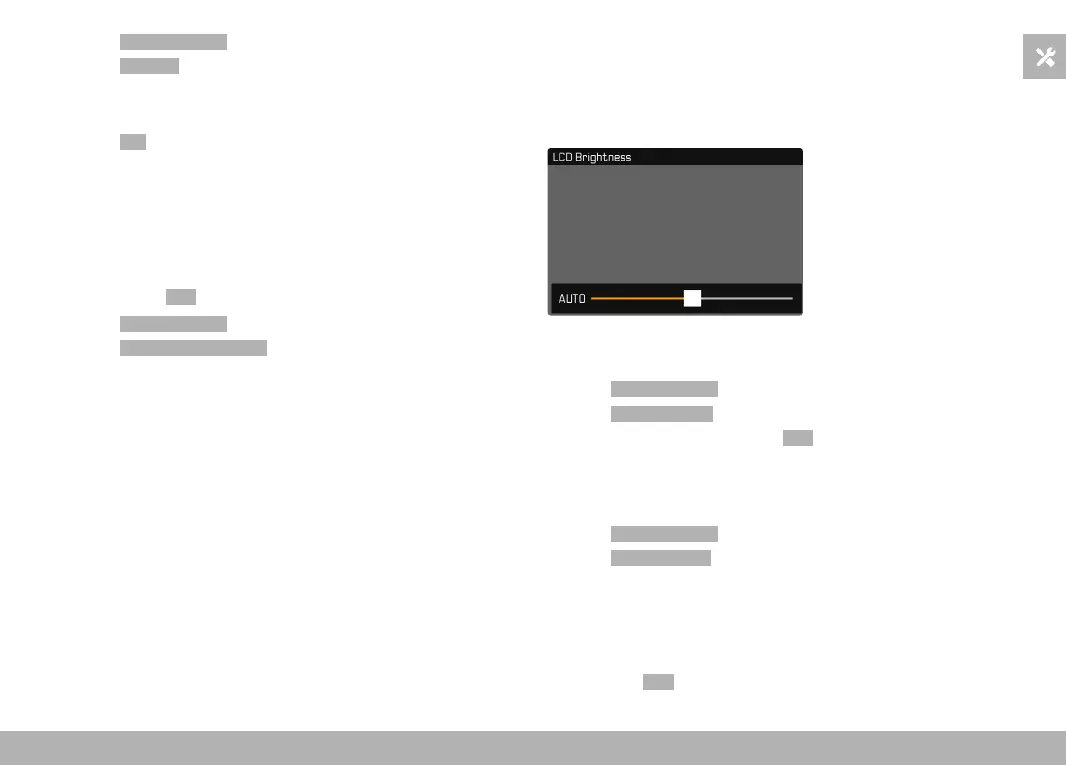
BRIGHTNESS
You can adjust brightness for best visibility in various lighting condi-
tions. Brightness is set individually for the LCD panel and the view-
finder. Selection occurs via key control or touch control.
LCD PANEL
▸ Select
Display Settings in the main menu
▸ Select
LCD Brightness
▸ Select the desired brightness or Auto
▸ Confirm selection
EVF
▸ Select
Display Settings in the main menu
▸ Select
EVF Brightness
▸ Look through the viewfinder
▸ Select the desired brightness
▸ Confirm selection
Note
• The setting
Auto is not available here.



 To Next Page