CAMERA OPERATION ▸ MENU CONTROL
47
SUBMENU
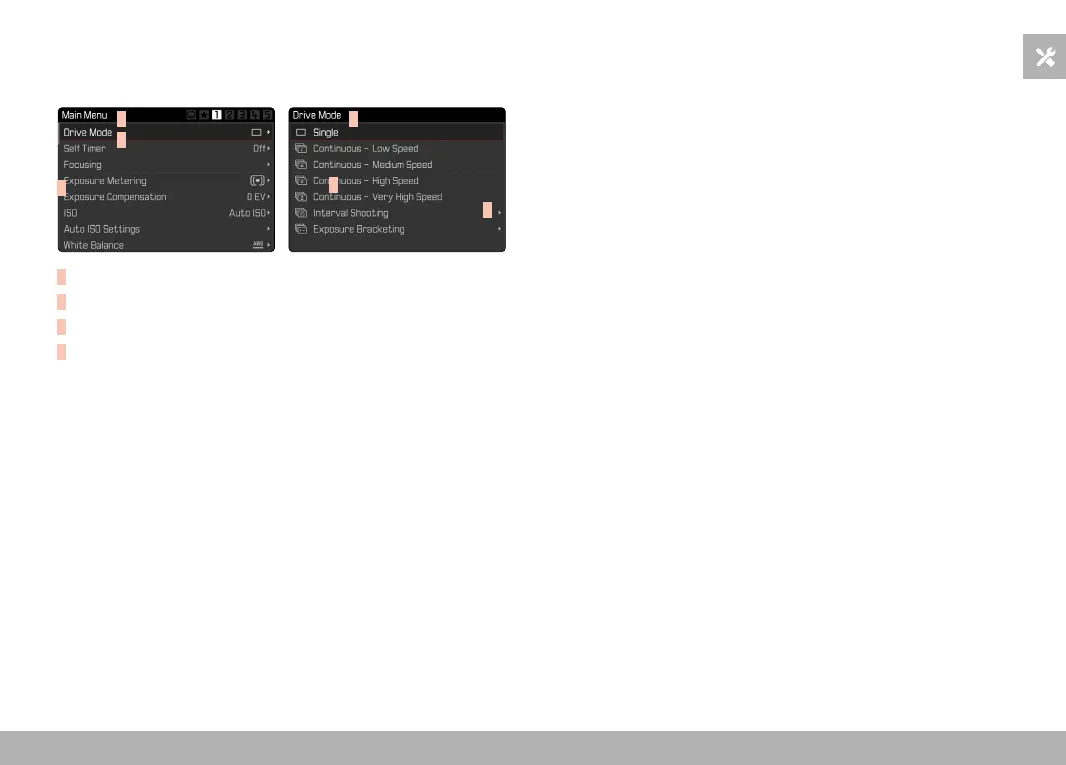
There are various types of submenus available. The following pages
describe their operation.
A
B
D
A
B
C
A
Current menu item
B
Submenu item
C
References to other submenus
D
Scrollbar
MENU NAVIGATION
SCREEN BY SCREEN NAVIGATION
Scrolling forward
▸ Press the
MENU button (repeatedly if needed)
• The status screen will appear again after the last page of the
main menu.
Scrolling backward
▸ Press the directional pad left
• In reverse order, you can only browse back to the status
screen.



 To Next Page