CAMERA OPERATION ▸ MENU CONTROL
52
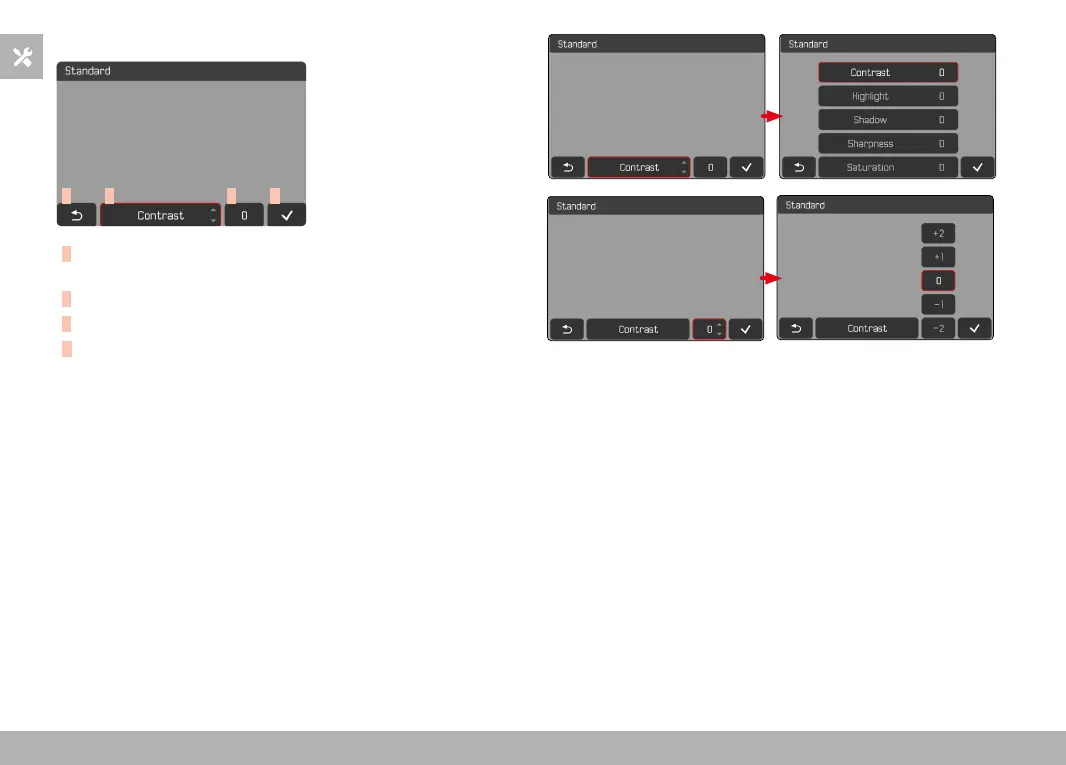
COMBI MENU (IMAGE PROPERTIES)
A B C
D
A
“Back” button
(Exit without saving)
B
“Parameter” button
C
“Setting” button
D
“Confirm” button
(Save and exit)
The operation is slightly different, depending on whether the settings
are done via key control or touch control.
The screen image will remains visible continuously while settings are
being adjusted. The result of the setting can be observed directly.



 To Next Page