PHOTOGRAPHY ▸ EXPOSURE
95
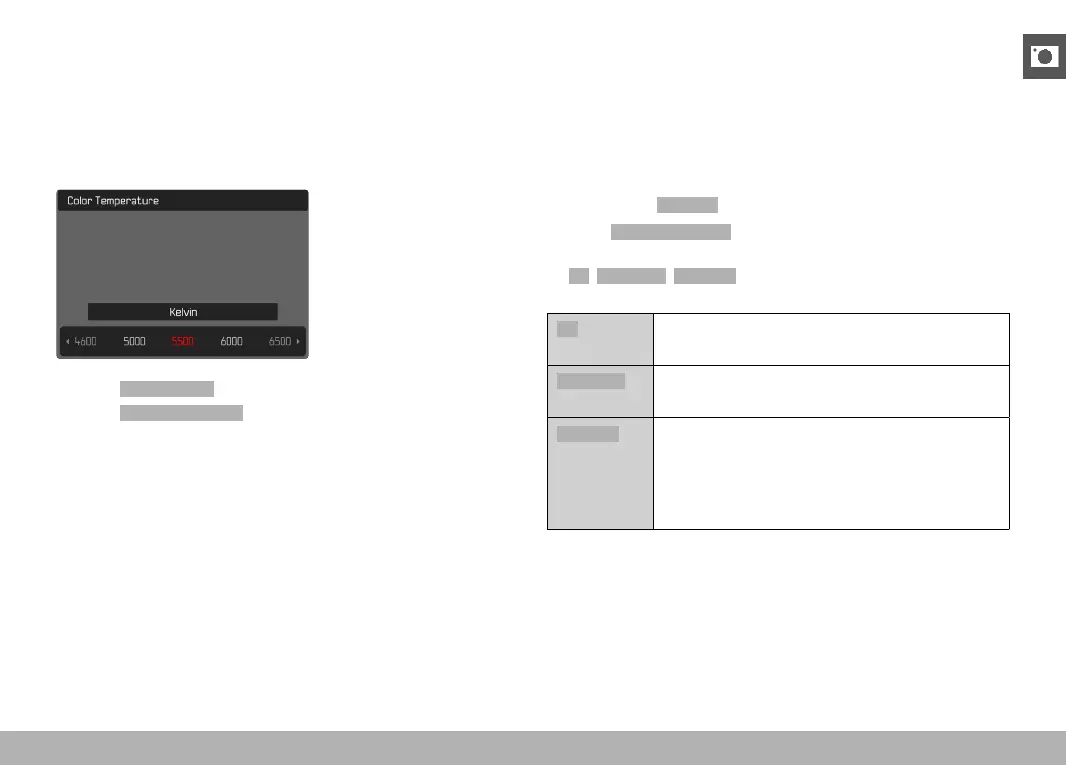
DIRECT SETTING OF THE COLOR TEMPERATURE
Values between 2000 and 11500 K (Kelvin) can be set directly. That
gives you a very wide range, which covers virtually all color tem-
peratures occurring in real life and within which you can adapt color
rendering to any light color and your personal preferences with
incredible detail.
▸ Select White Balance in the main menu
▸ Select
Color Temperature
▸ Select the desired value
EXPOSURE
SHUTTER TYPE
The Leica Q2 comes equipped with a mechanical shutter and a
purely electronic shutter function. The electronic shutter expands
the available shutter area and functions completely noiseless, which
may be important in some work environments.
Factory setting:
Extended
▸ Select Electronic Shutter in the main menu
▸ Select the desired setting
(
Off, Always On, Extended)
Off
Only the mechanical shutter is used.
Working range: 120 s to 1⁄2000 s.
Always On
Only the electronic shutter function is used.
Working range: 1 s to 1⁄40000 s
Extended
You can add the electronic shutter function if you
need faster shutter speeds than can be achieved
with the mechanical shutter.
Working range: 120 s to 1⁄2000 s + 1⁄2500 s to
1⁄40000 s.



 To Next Page