PHOTOGRAPHY ▸ FOCUSING
85
TRACKING
This field metering variant helps in the capture of moving objects.
The focus on the object in the metering field is continuously adjusted,
once it is detected.
▸ Aim the metering field at the desired object
(by panning the camera shifting the metering field)
▸ Tap and hold the shutter button
or
▸ Press and hold the Zoom/Lock button
(provided it was assigned the function
AF-L or AF-L + AE-L, see
p. 104)
• The camera focuses on the object.
▸ Pan the camera to the desired cropped section
• The metering field “tracks” the saved object and focus is con-
tinuously adjusted.
Note
• This metering method focuses continuously, even if the AF mode
AFs was set.
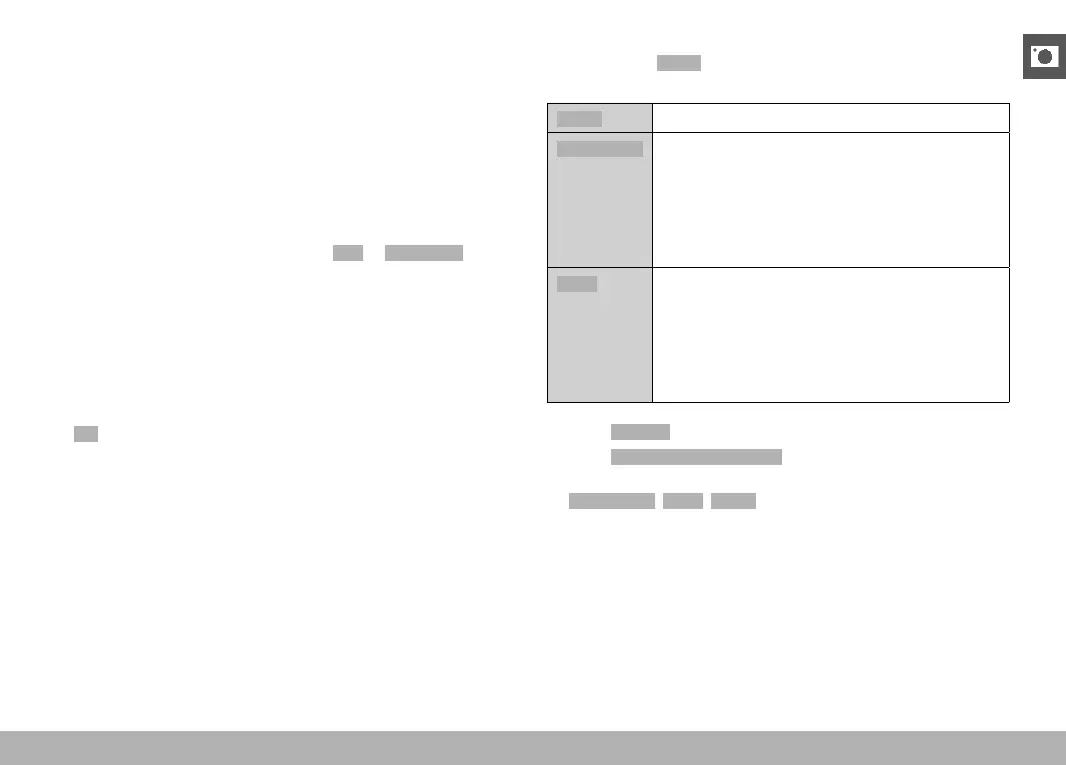
START POSITION FOR TRACKING
Factory setting: Center
You can specify the starting point for tracking.
Center
Center of the screen
Last Position
Ending position of the most recent tracking
Example:
A car drives thought he picture from left to right.
The picture is taken on the right edge of the frame.
The subsequent measurement is taken at the right
edge of the frame.
Recall
Starting position of the most recent tracking
Example:
A car drives thought he picture from left to right.
The picture is taken on the right edge of the frame.
The subsequent measurement is taken at the left
edge of the frame.
▸ Select
Focusing in the main menu
▸ Select
AF Tracking Start Position
▸ Select the desired setting
(Last Position, Recall, Center)



 To Next Page