PLAYBACK MODE ▸ DELETING RECORDINGS
190
Any number of recordings can be selected in this view.
Selecting recordings for deletion
▸ Select a image
▸ Press the center button/thumbwheel button
or
▸ Tap the desired image
• The recordings selected for deletion are marked with a red
Delete icon
.
Deleting the selected recordings
▸ Select the Delete icon
(tap the icon directly or press the center button)
• The prompt
Do you want to delete all marked files? appears.
▸ Select
Yes
Cancelling a deletion and return to the normal playback mode
▸ Select the “Go back” icon
(tap the icon directly or press the PLAY button)
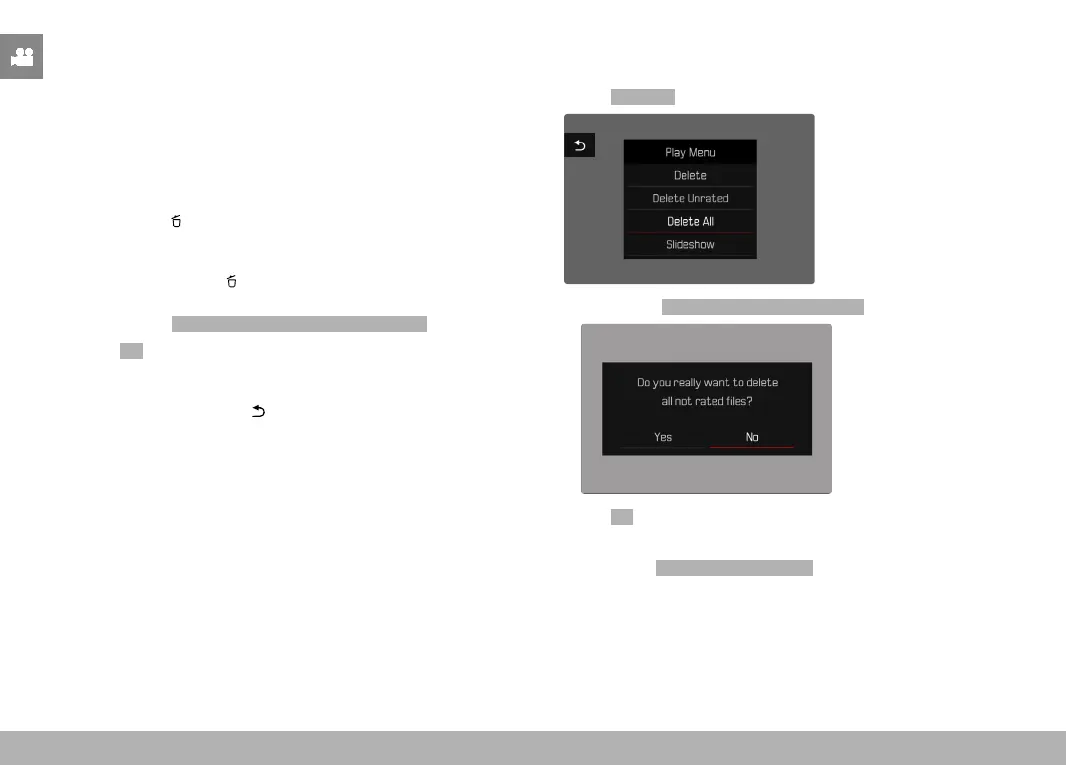
DELETING ALL RECORDINGS
▸ Press the MENU button
▸ Select
Delete All in the play menu
• The prompt Do you want to delete all files? appears.
▸ Select Yes
Note
• The message No valid picture to play. appears after successful
deletion. The same shot is displayed again if deletion was unsuc-
cessful. When deleting several or all recordings, a notification
screen may appear for the time needed to process the data.



 To Next Page