REVIEW MODE ▸ SLIDE SHOW
142
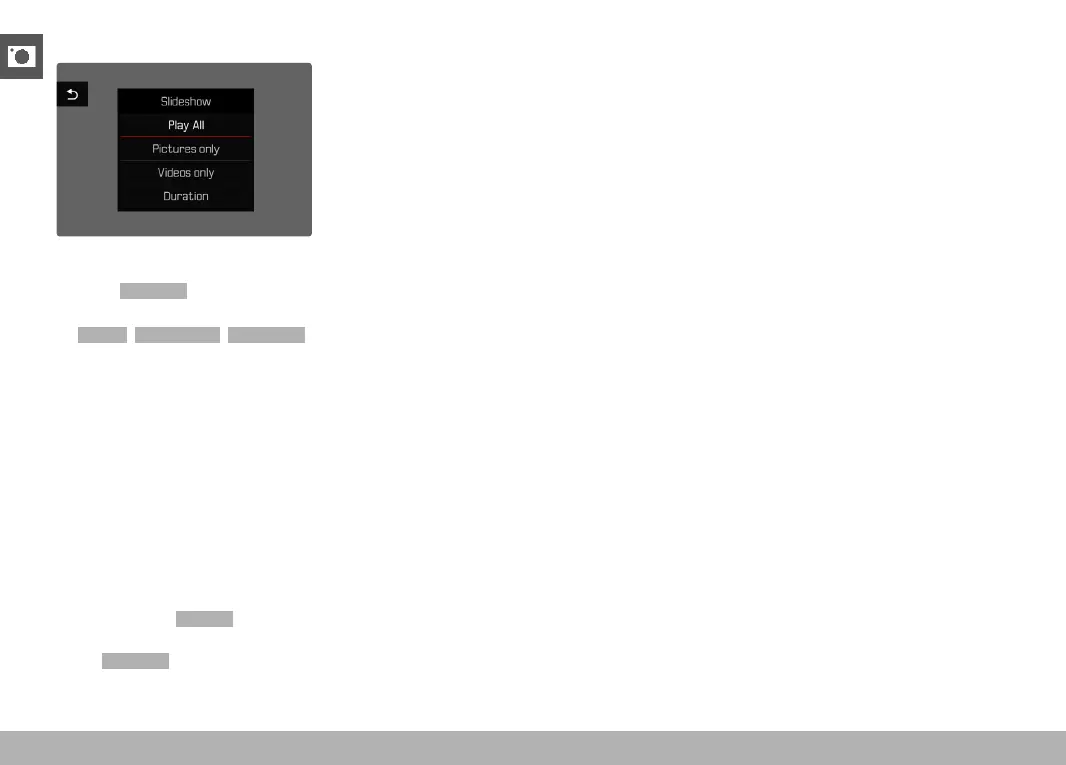
STARTING THE SLIDE SHOW
▸ Press the MENU button
▸ Select
Slideshow in the play menu
▸ Select the desired setting
(
Play All, Pictures only, Videos only)
• The slide show will start automatically with the selected images
and runs in an endless loop until it is exited.
ENDING THE SLIDE SHOW
▸ Press the PLAY button
or
▸ Tap the shutter button
• The camera switches to the relevant mode.
Notes
• An intermediate screen may appear while the data is prepared for
review.
• The settings in
Duration remain intact even after the camera is
switched off and on again.
• The
Slideshow can also be assigned to the FN button for quick
access (see p. 137).



 To Next Page