CAMERA OPERATION ▸ MENU CONTROL
45
Notes
• Where touch control is not possible or not desirable (e.g. in EVF
mode), the status screen can alternatively be controlled via the
directional pad, center button, thumbwheel and the thumbwheel
button.
• The settings become effective immediately.
• The framed control panels can be selected. Unframed values are
added in automatically (depending on the active exposure mode).
• The available menu items in photo and video mode differ (see
p. 24 and p. 26).
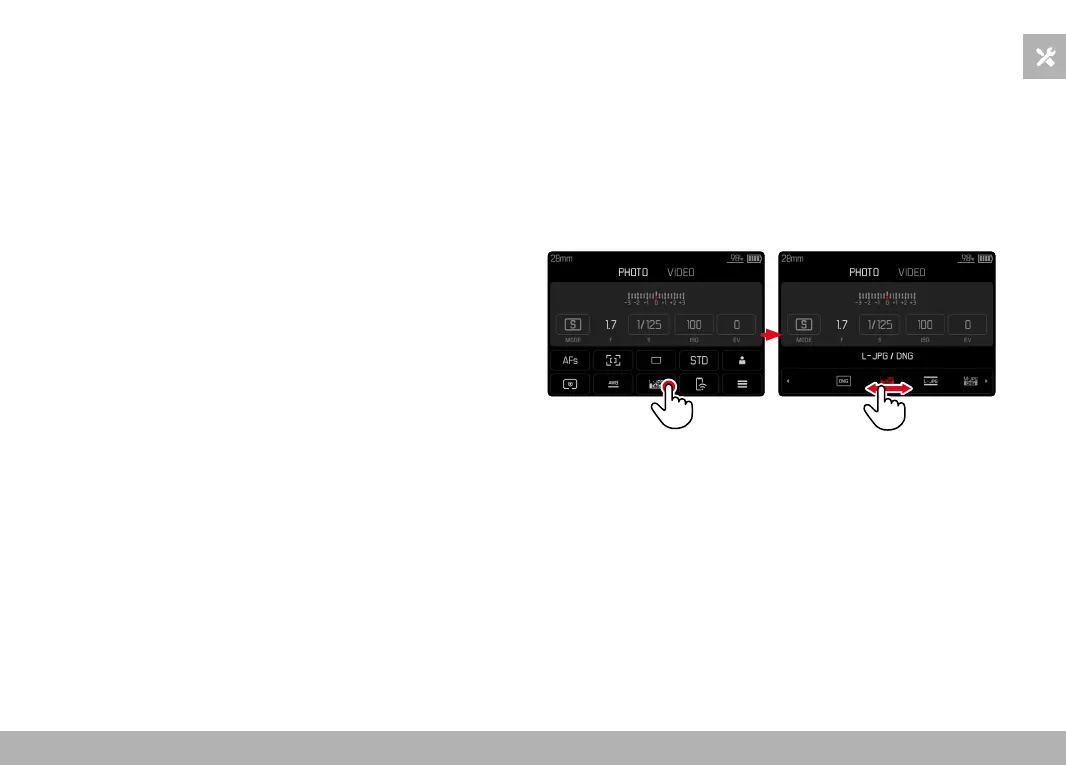
SELECTING SETTINGS
Settings can be selected in various ways from within the status
screen. The setting types vary from menu to menu.
▸ Tap the desired control panel
• The relevant menu appears.
DIRECT SETTINGS
A version of the menu bar appears in the lower area of the status
screen (see p. 50).
▸ Select the desired function directly or swipe



 To Next Page