Leidos Security Detection & Automation, Inc. – Proprietary Page 101 of 119
© 2020 Leidos. All rights reserved
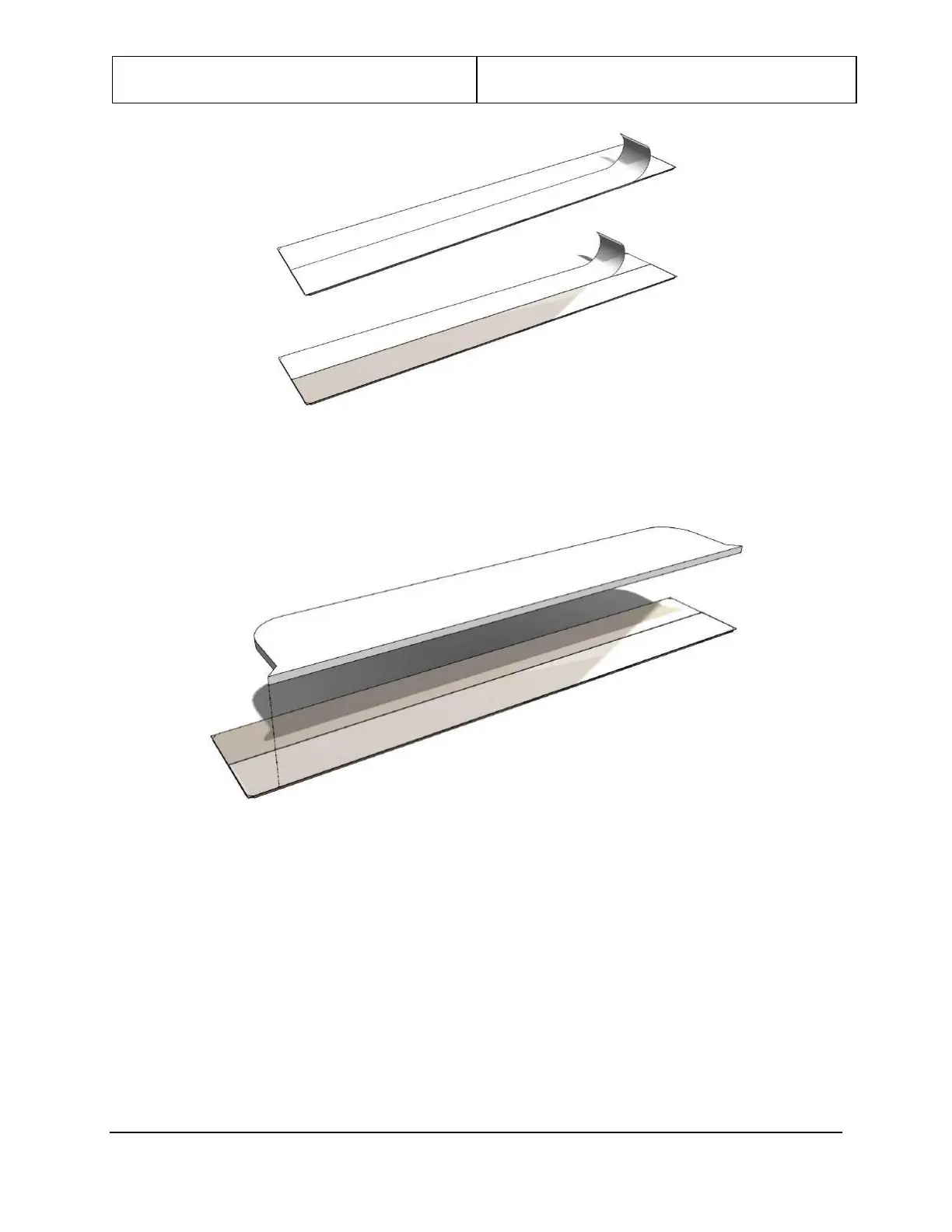
Figure 111: Peel Paper Off
9. Line up the front edge of end cap notch delete plate with one edge of the backing plate and center.
You can lay both edges on a flat surface for easier alignment.
Figure 112: Line Up Plate
10. Press the end cap notch delete plate down on the backing plate.


 To Next Page