Leidos Security Detection & Automation, Inc. – Proprietary Page 89 of 119
© 2020 Leidos. All rights reserved
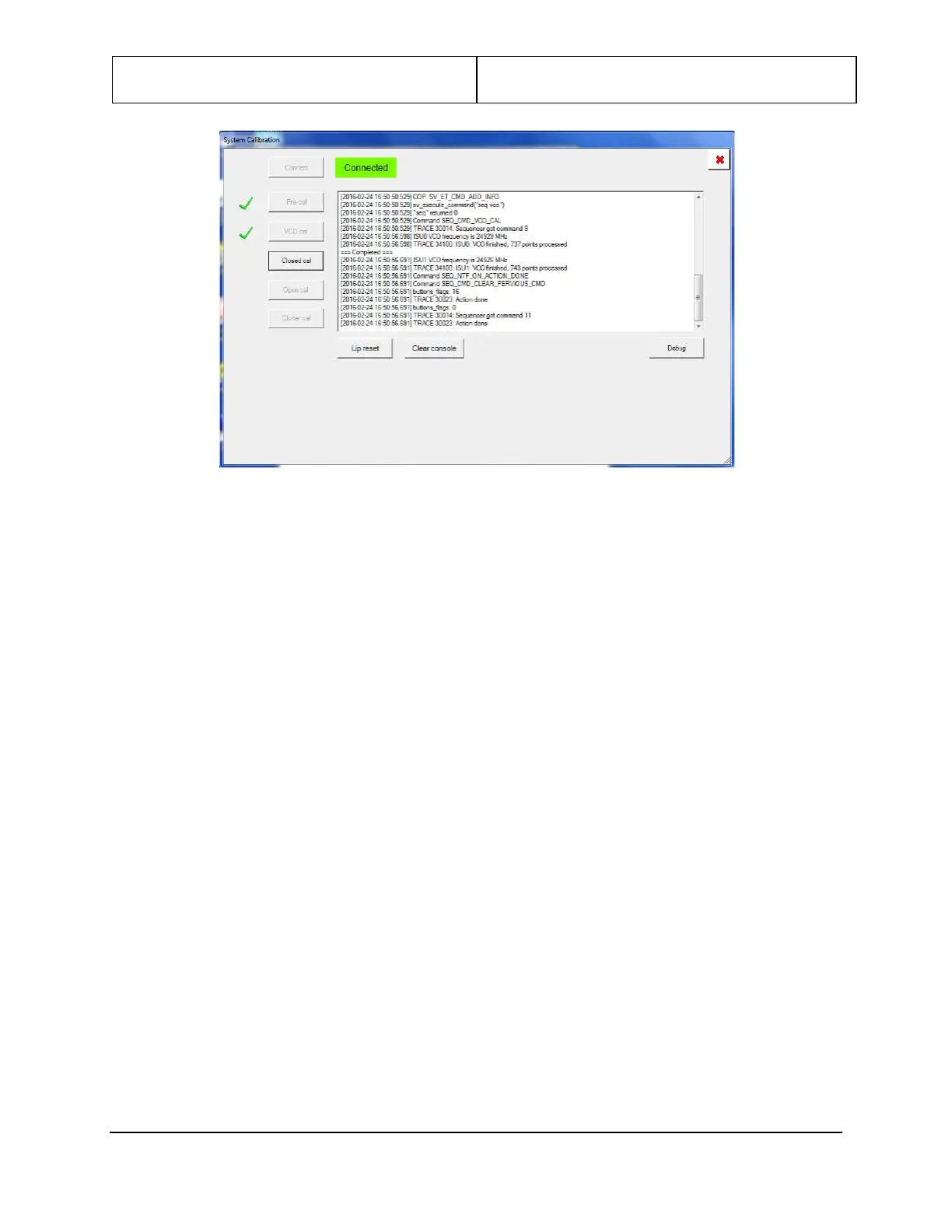
Figure 99: Pre-cal and VCO Cal
10. Position the calibration beam in the center of the scanner.
11. Click on Close Cal. Then click on OK at Verify the cal target is in place. Wait for completion
(green check by Closed cal).
12. Remove the calibration beam from the scanner.
13. Click on Open Cal. Then click on OK at Verify the scanner is empty. Wait for completion (green
check by Open cal).
14. Click Clutter cal .
15. Once the clutter cal completes a second window will open asking for review of the test results.
Review the results for any failure. Both ISU0 and ISU1 needs reviewed before the system will allow
the baseline to be saved.


 To Next Page