Operation
98
12.4.5 Information menu device
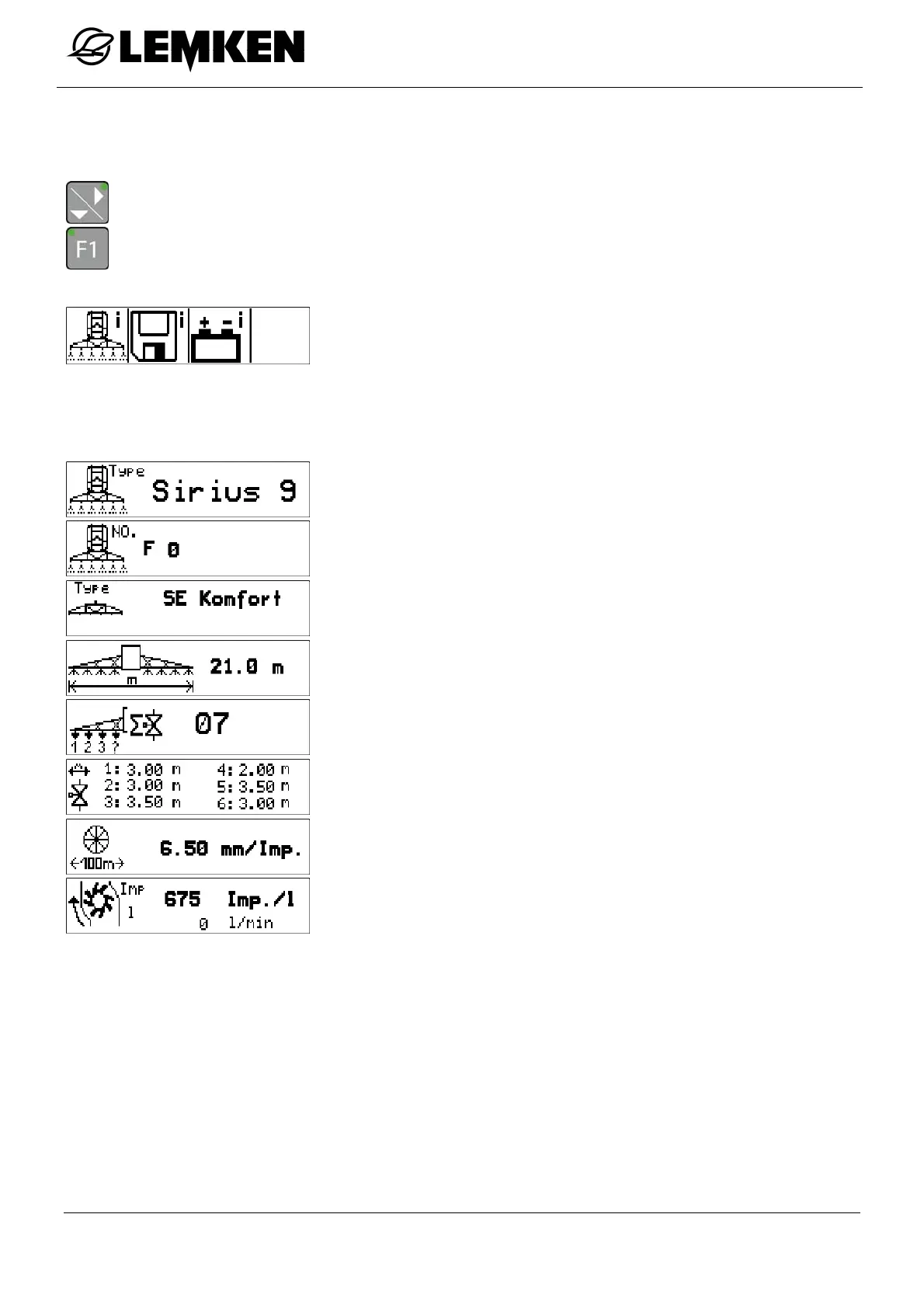
The current values valid for your device are displayed in the device information menu.
- Press the key to enter the further information menu.
- Press the key to enter the device information menu.
Now the device information menu appears.
In the device information menu, the current settings and informa-
tion on the device are displayed.
The following displays can be called up:
Device type
Serial number
Linkage design
Linkage width
Section widths number
Section width breakdown
Pulses per 100 m
Flowmeter pulses



 To Next Page