Operation
88
12.3.5 Terminal settings
In the Terminal settings menu, the following additional menus can be called up:
Key tone
Automatic/manual browsing function
Key tone
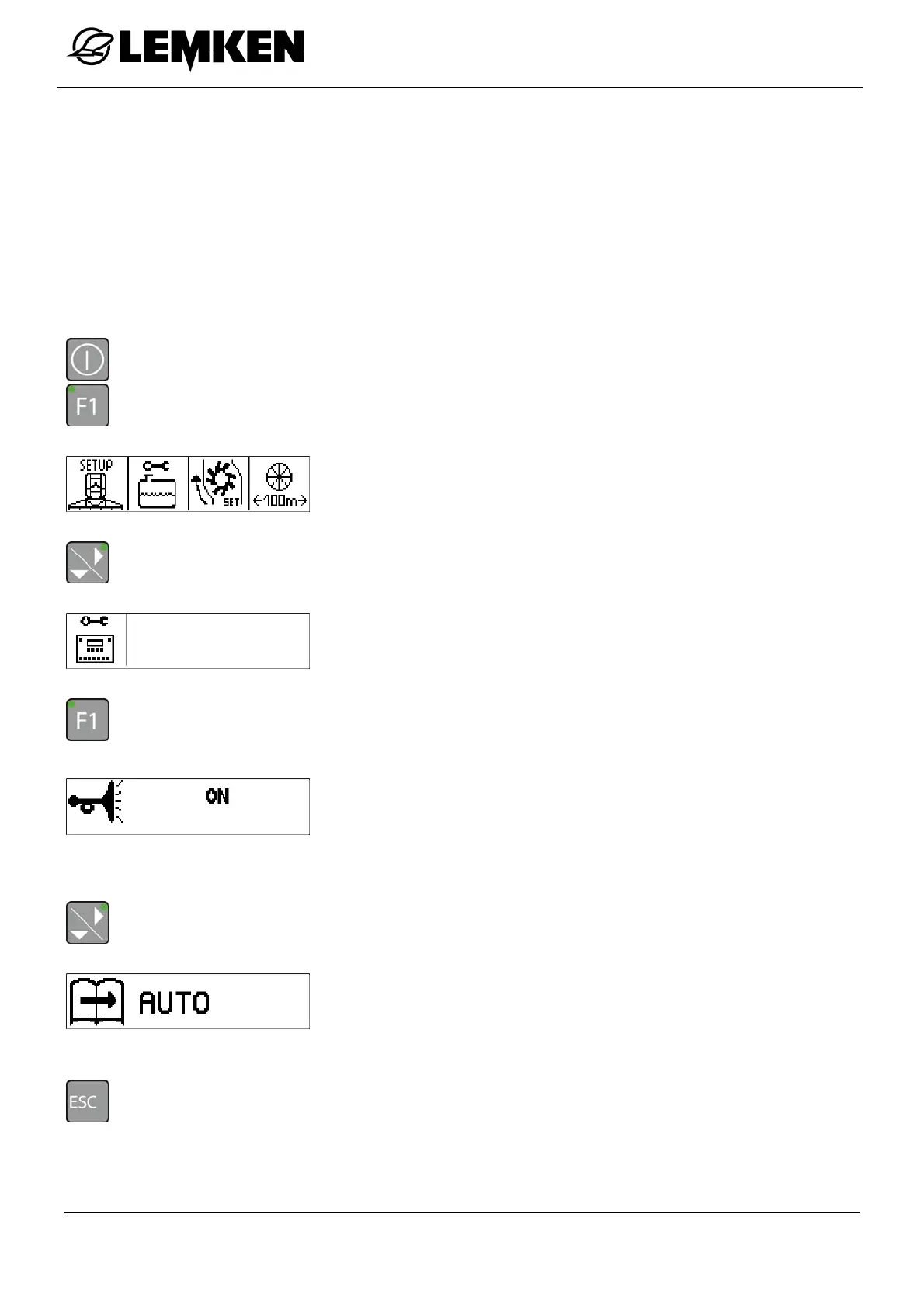
The key tone of the section width switch and the spraying on/off switch can be switched on or
off.
- Press the key to switch on the terminal.
- Press the key to enter the setting menu.
The setting menu now appears.
- Press the key to enter the second setting menu.
The second setting menu now appears.
- Press the key to enter the key tone display.
Now the key tone display appears.
In this display, the key tone can be switched on or off.
OFF
ON
- Press the key to enter the automatic/manual display.
The automatic/manual display now appears.
From this display, you can directly return to the setting menu:
- Press the key.



 To Next Page