Operation
126
12.6 Operating menu
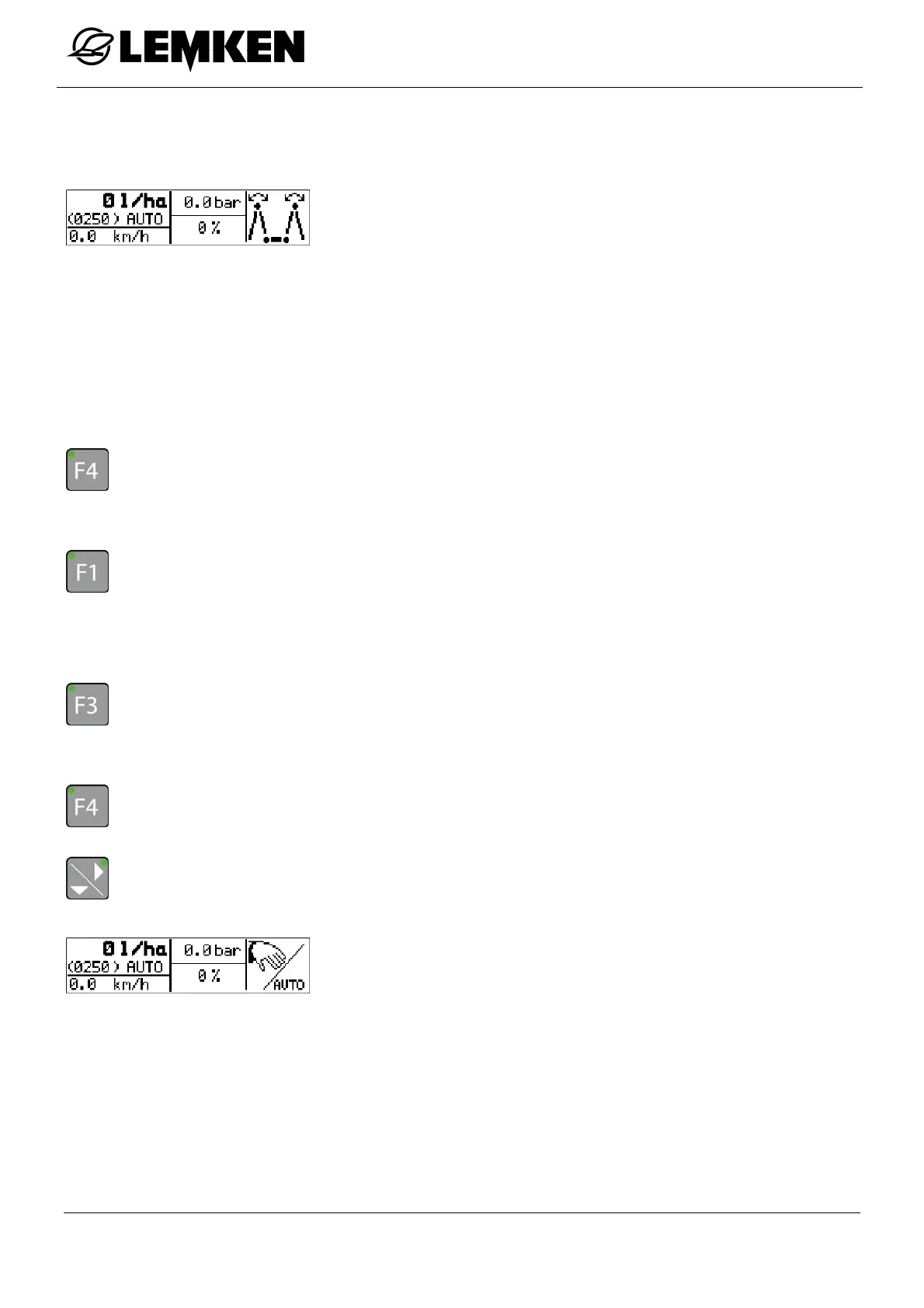
The operating menu is displayed while working in the field.
The following can be displayed in the operating menu:
Current speed
Application quantity in l/min
Current hectare counter
Higher/lower quantity in %
Remaining quantity in hectares
Remaining quantity in litres
Extend linkage
Target quantity [in automatic mode only]
- Press the key to enter the first operating menu.
- Press the key to optionally display:
Current speed
Application quantity in l/min
Current hectare counter
- Press the key to optionally display:
Higher/lower quantity in %
Remaining quantity in hectares
Remaining quantity in litres
- Press the key to enter the Folding menu.
- Press the key to enter the second operating menu.
The second operating menu now appears.
Depending on the settings, other functions result in the second
operating menu.
AUTO: control unit.
MAN: regulation.



 To Next Page