Operation
69
12.3.1 Setup of the device
In the device setup menu, the following additional menus can be called up:
Application quantity
Higher/lower quantity steps
Simulated speed
Maximum spraying pressure
Minimum spraying pressure
Automatic pendulum lock
- Press the key to enter the device setup menu.
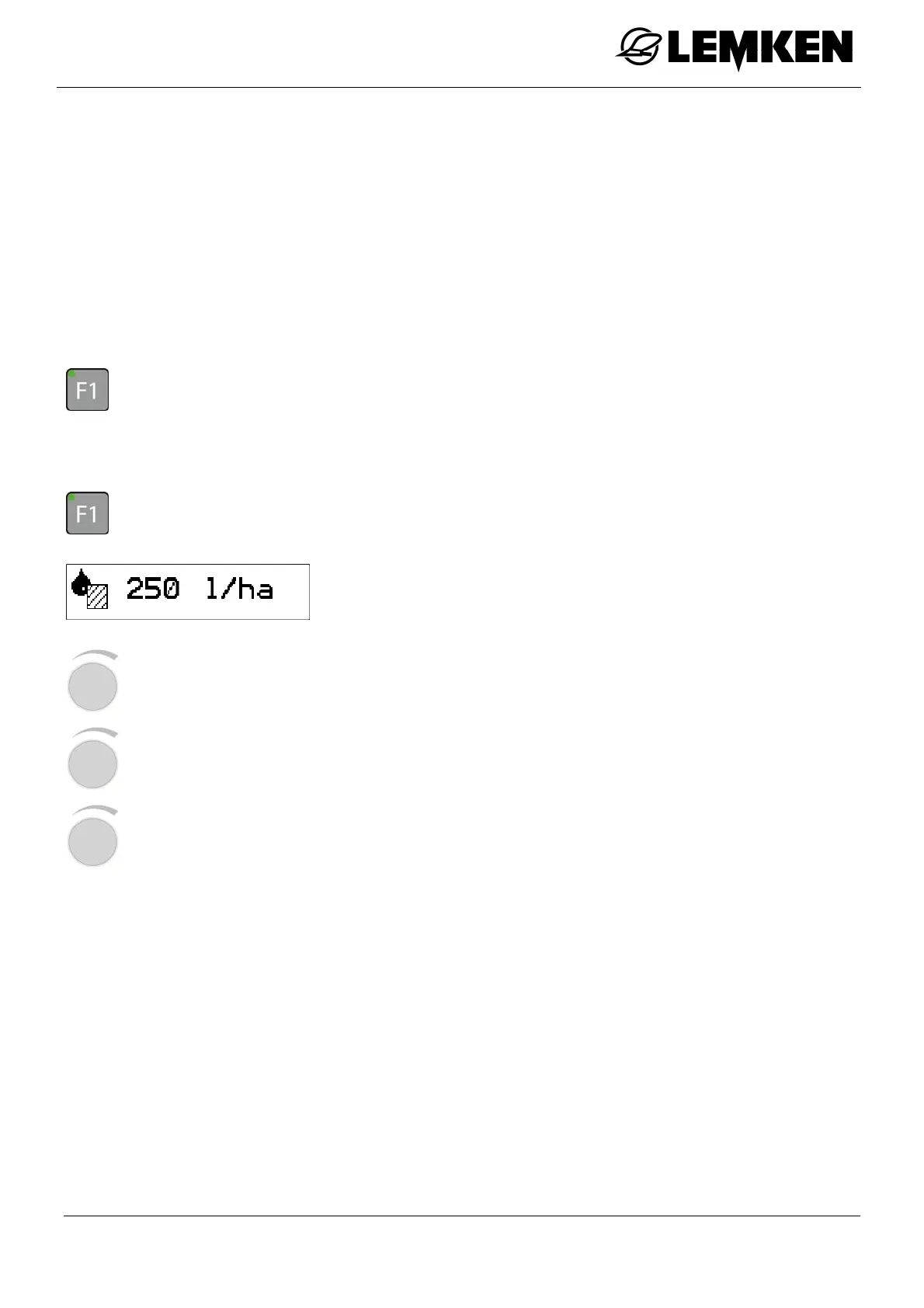
Application quantity
- Press the key to enter the device setup menu.
The application quantity now appears in l/ha.
- Press the rotary encounter to select the value.
- Press the rotary encounter to enter the value.
- Press the rotary encounter to save the value.



 To Next Page