Filling the main tank
62
11 FILLING THE MAIN TANK
11.1 Device without electronic filling level display
This section describes the process of filling the main tank for a device without an electronic fill-
ing level display.
- Fill the device to the intended level.
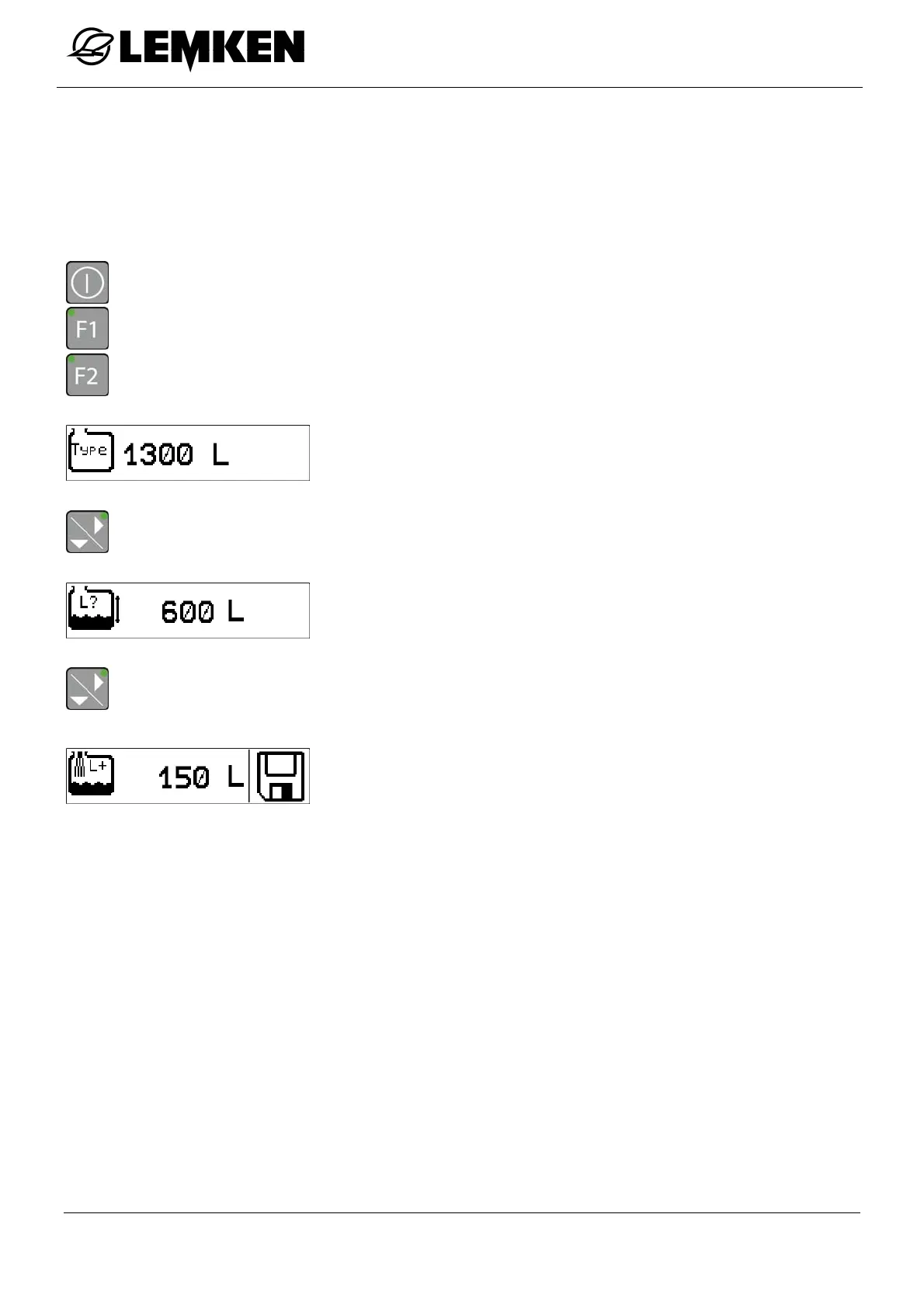
- Press the key to switch on the terminal.
- Press the key to enter the setting menu.
- Press the key to enter the tank menu.
The current tank number now appears.
- Press the key to display the current filling quantity in the main tank.
The current filling quantity now appears [filling quantity is estab-
lished theoretically].
- Press the key to enter the display for the top-up quantity.
The display for entering the top-up quantity now appears.
The top-up quantity can be entered here. The top-up quantity is
added to the actual filling quantity.
- Read the actual filling quantity on the basis of the mechanical
filling level display from the device.



 To Next Page