Extending and retracting SE linkage
31
9.3.3 Extend the linkage asymmetrically
This function is only possible for control with convenience folding.
Booms can be extended on both sides in pairs. To this end, the relevant
key needs to be pressed additionally.
In the Folding menu:
- Press the key to select the function extend linkage asymmetrically.
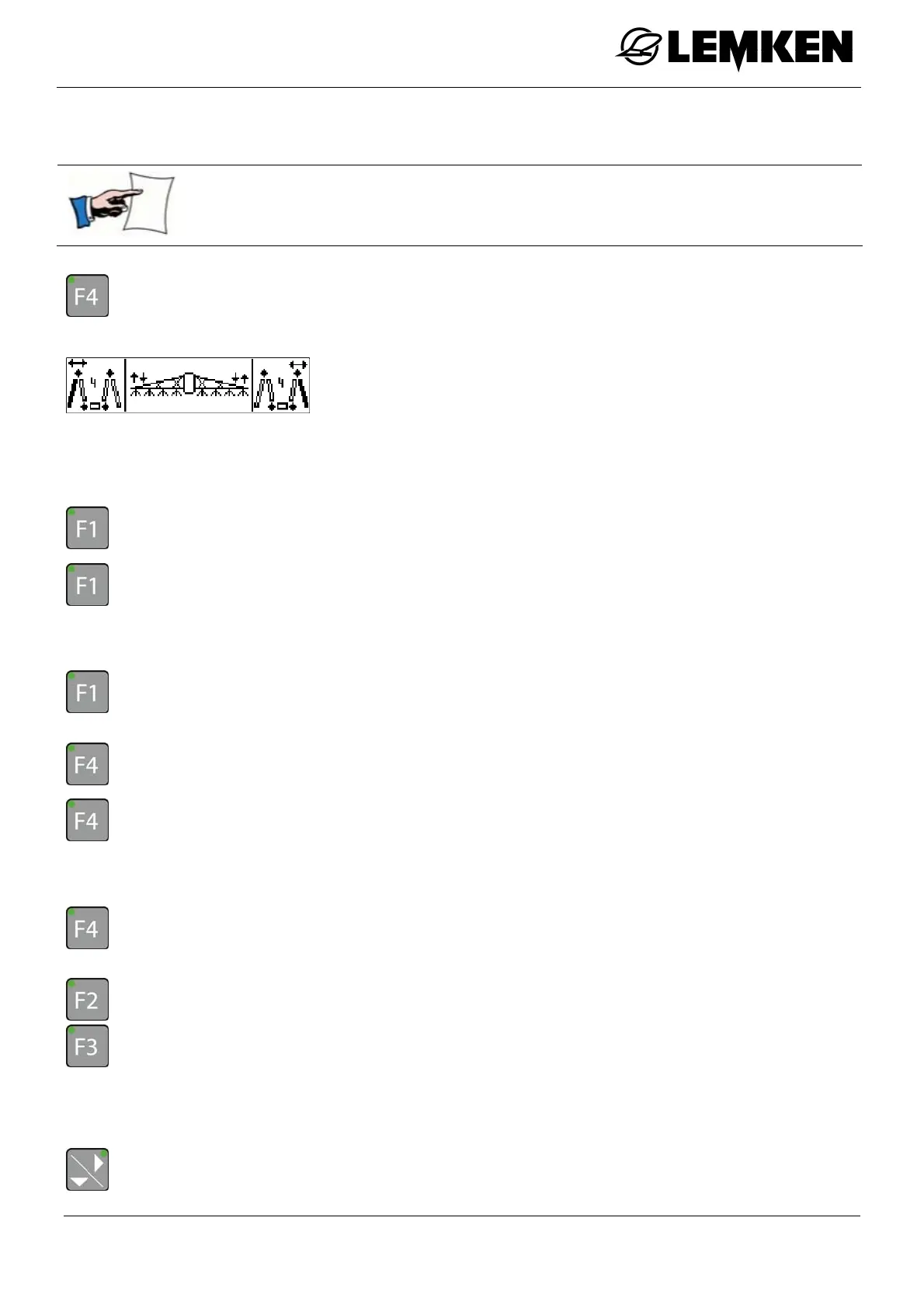
The first Extend linkage asymmetrically menu now appears.
The following linkage functions can now be controlled:
Boom 4 - left
Slope compensation
Boom 4 - right
- Press the key to preselect boom 4 - left.
- Press and hold the key, any information is then displayed.
To extend boom 4 - left:
- Operate the tractor's corresponding control unit.
- Press the key or another function key [except F4] to cancel the preselection.
- Press the key to preselect boom 4 - right.
- Press and hold the key, any information is then displayed.
To extend boom 4 - right:
- Operate the tractor's corresponding control unit.
- Press the key or another function key [except F1] to cancel the preselection.
- Press one of the keys to preselect the slope compensation.
To set the slope compensation:
- Operate the tractor's corresponding control unit.
- Press the key to enter the second extend linkage asymmetrically menu.



 To Next Page