Operation
67
12 OPERATION
12.1 First Basic menu
After switching on the terminal, the first Basic menu is displayed.
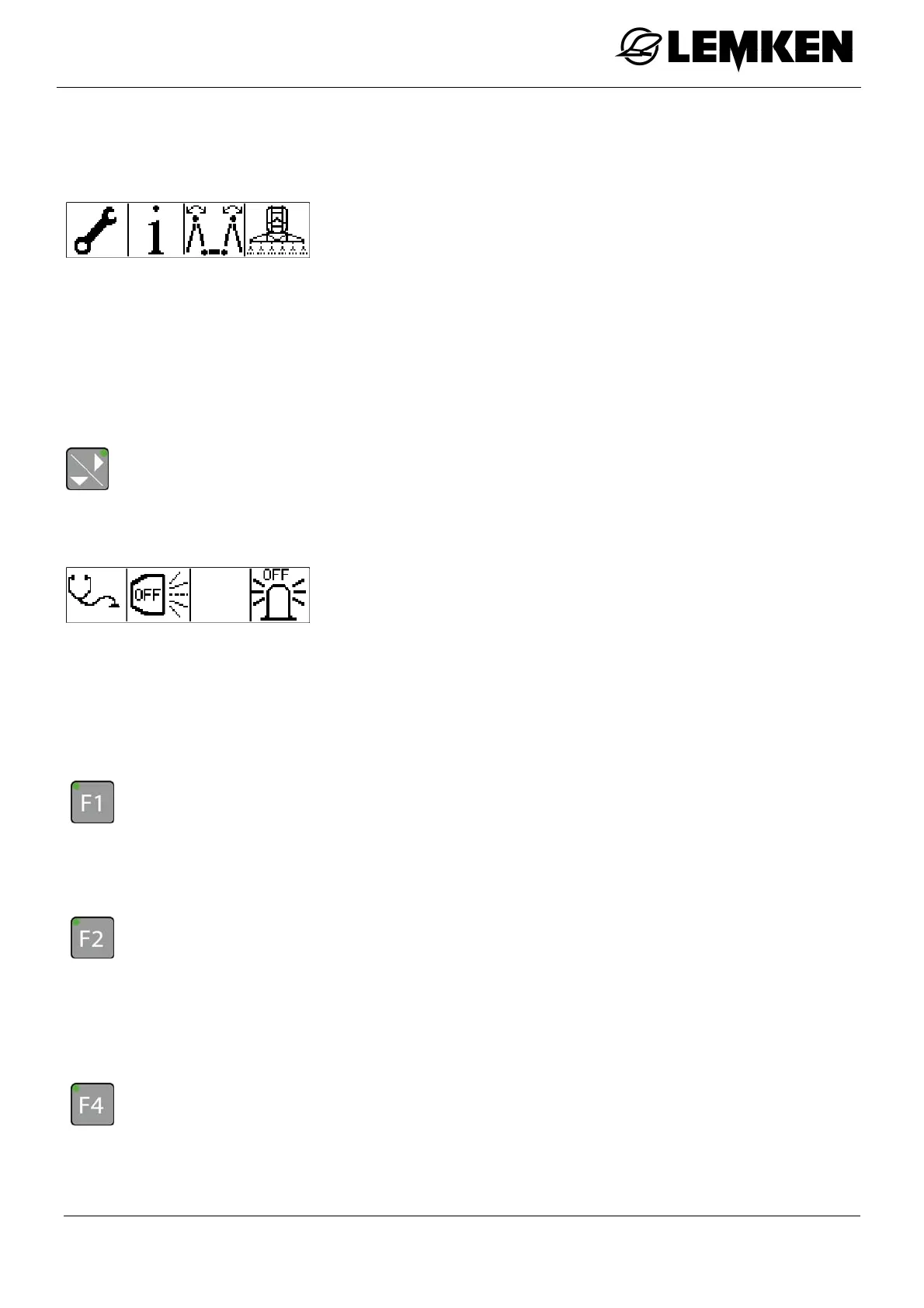
The first Basic menu consists of further menus:
Setting menu
Information menu
Folding menu
Operating menu
Diagnosis menu
- Press the key to enter the second Basic menu.
12.2 Second Basic menu
The second Basic menu now appears.
The second Basic menu consists of further menus:
Diagnosis menu
Spotlights
Rotating beacon
12.2.1 Diagnosis menu
To enter the Diagnosis menu.
- Press the key.
12.2.2 Spotlights
To switch the spotlights on or off:
- Press the key.
OFF
ON
12.2.3 Rotating beacon
To switch the rotating beacon on or off:
- Press the key.
OFF
ON



 To Next Page