Filling the main tank
65
11.2 Device with electronic filling level display
This section describes the process of filling the main tank for a device with an electronic filling
level display.
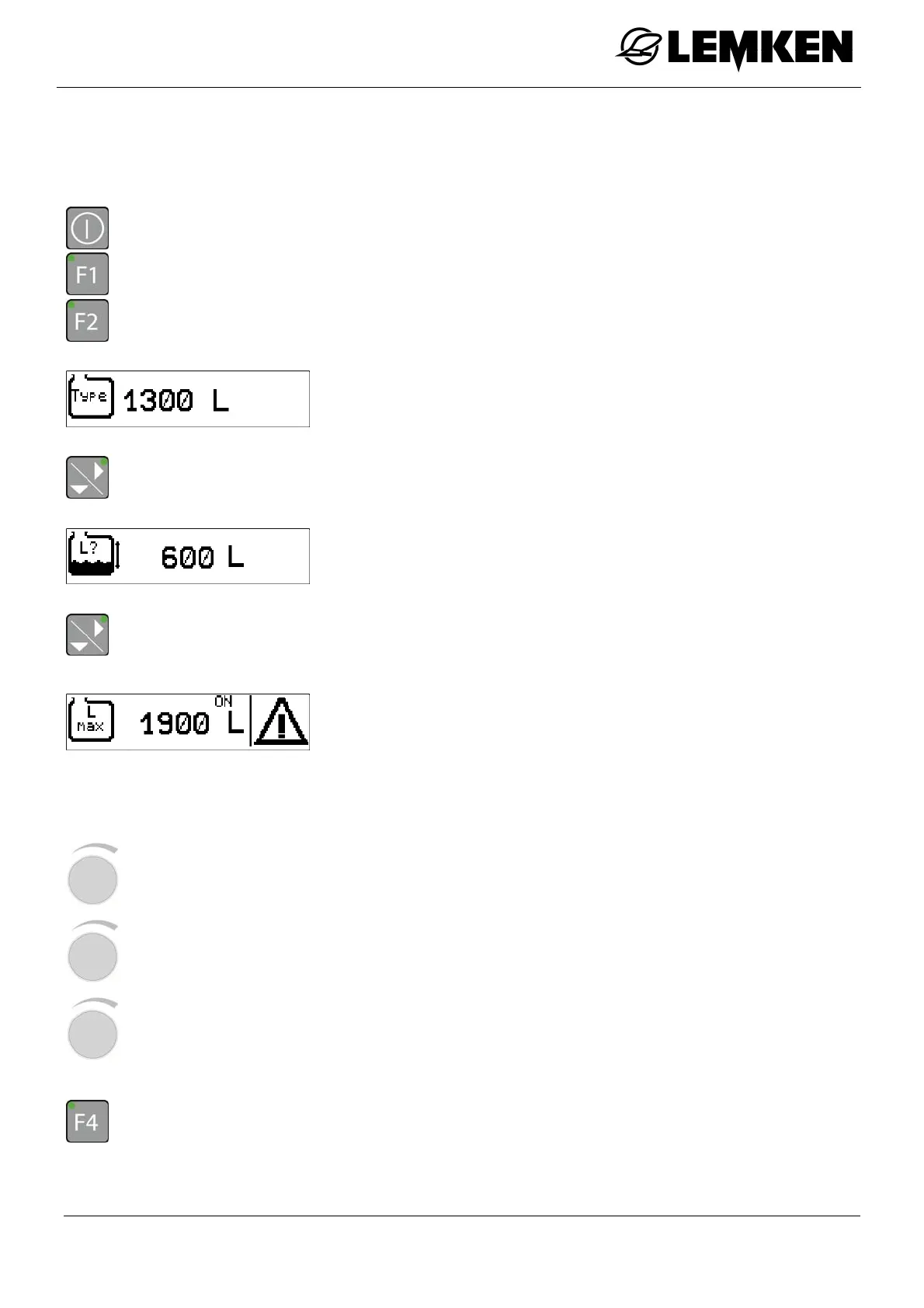
- Press the key to switch on the terminal.
- Press the key to enter the setting menu.
- Press the key to enter the tank menu.
The current tank number now appears.
- Press the key to display the current filling quantity in the main tank.
The current filling level is now displayed, which is established via
the filling level sensor.
- Press the key to enter the maximum filling quantity alarm display.
The maximum filling quantity alarm display now appears.
ON
OFF
The maximum filling quantity alarm issues a warning as soon as
the configured filling quantity level is reached.
- Press the rotary encounter to select the value.
- Press the rotary encounter to enter the value.
- Press the rotary encounter to save the value.
- Press the key to switch the maximum filling quantity alarm on or off.



 To Next Page