Operation
84
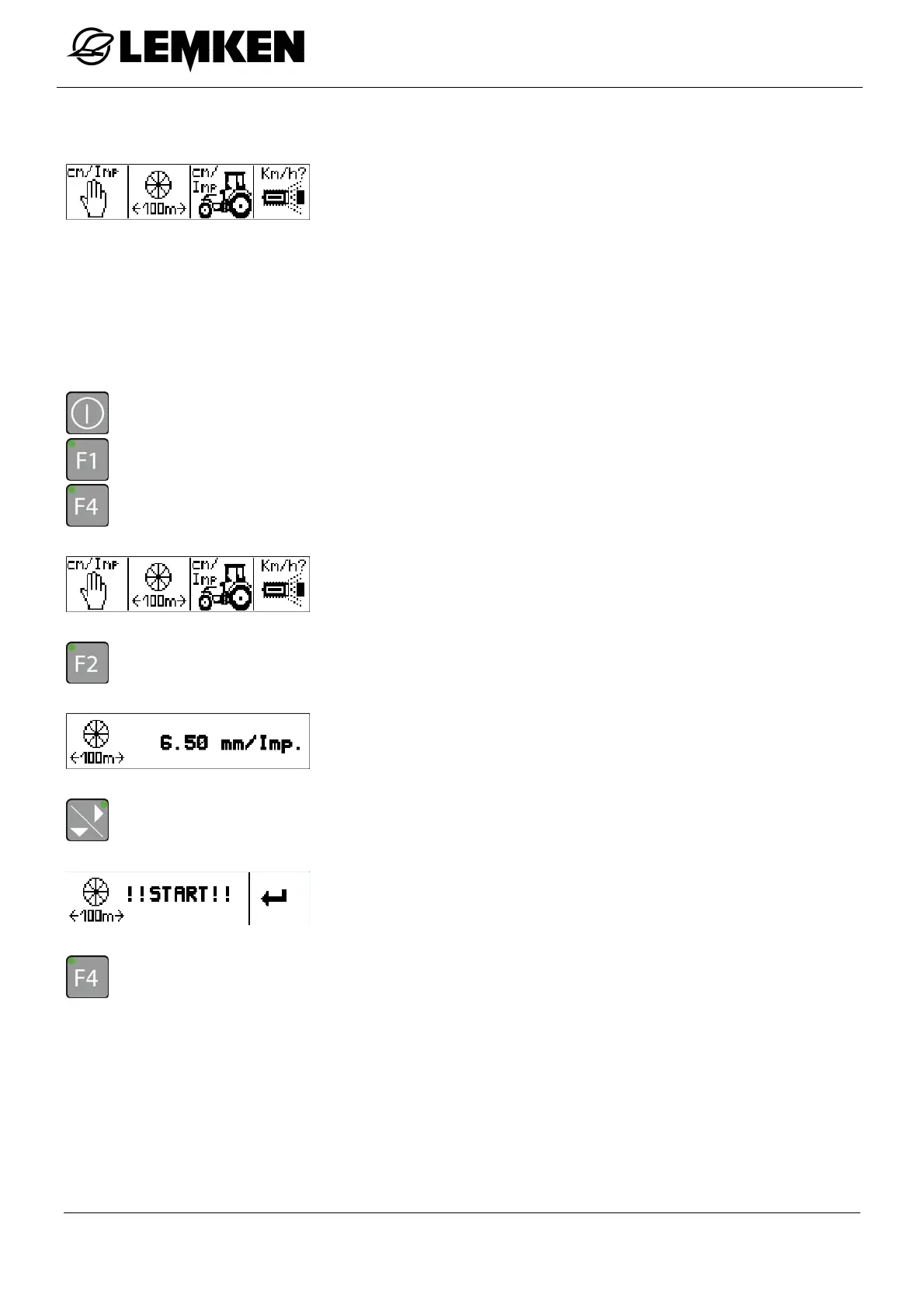
12.3.4 Calibration 100 m
In the 100 m calibration menu, the following additional menus can
be called up:
Set pulses manually
Calibration 100 m
Tractor selection
Speed sensor selection
After connecting the terminal, a calibration over 100 m must be carried out.
- Press the key to switch on the terminal.
- Press the key to enter the setting menu.
- Press the key to enter the calibration menu.
The Calibration menu now appears.
- Press the key to enter the 100 m calibration menu.
The current pulse number now appears.
- Press the key to enter the start display for the 100 m calibration.
The Start display 100 m calibration menu now appears.
- Press the key to enter the 100 m calibration.



 To Next Page