Commissioning
23
8.2 Target quantity
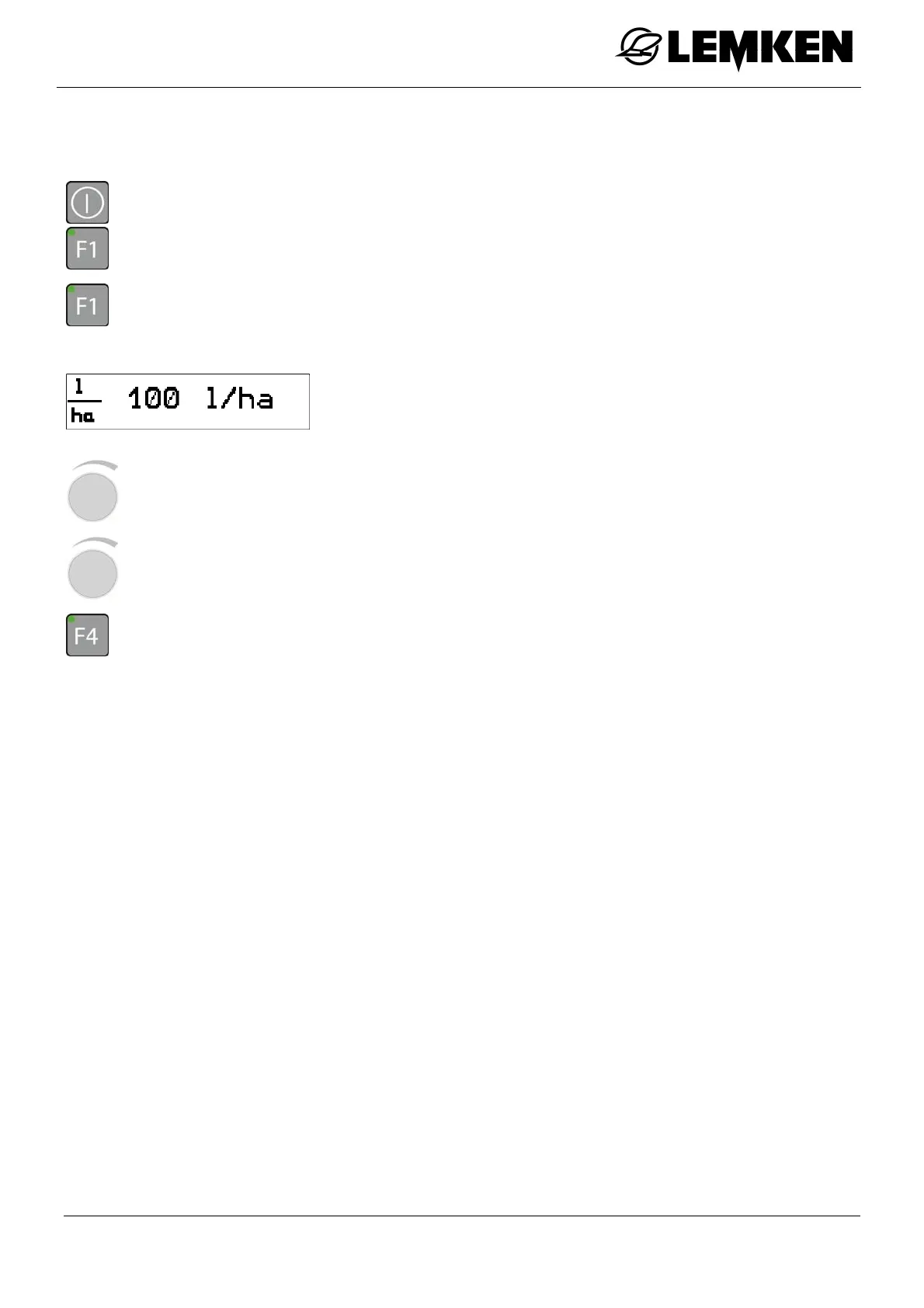
After the 100 m calibration, the target quantity must be entered in l/ha.
- Press the key to switch on the terminal.
- Press the key to enter the setting menu.
- Press the key to enter the setup menu.
The target quantity display now appears.
- Press the rotary encounter to select the number.
The target quantity can be set between 30 and 3,000 l/ha.
- Rotate the rotary encounter to enter the number.
- Press the key to save the number.



 To Next Page