Extending and retracting SE linkage
27
9.3 Extending the SE linkage
Before the linkage can be extended:
- Lift the linkage with the control unit up to the monitoring position.
- Close the pendulum lock.
To extend the linkage:
- Press the key to switch on the terminal.
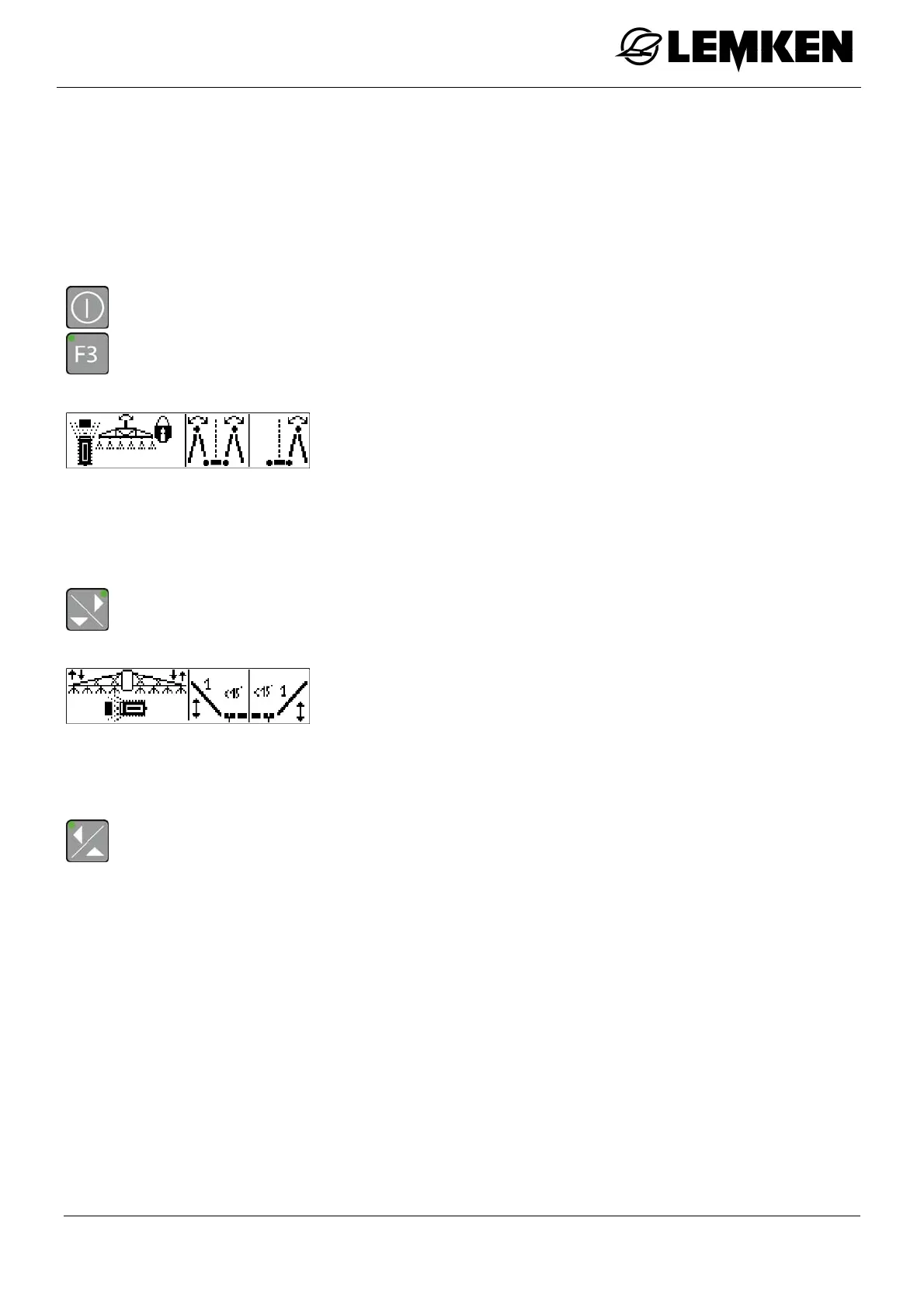
- Press the key to enter the first Folding menu.
The first Folding menu now appears.
In the first Folding menu, the following functions can be controlled:
Pendulum lock
Extend the linkage symmetrically
Extend the linkage asymmetrically [convenience extension
only]
- Press the key to enter the second Folding menu [comfort folding only].
The second Folding menu now appears.
In the second Folding menu, the following functions can be con-
trolled:
Slope compensation
Bending of boom 1 on one or both sides
To enter the first Folding menu again:
- Press the key.
After extending the linkage, the pendulum lock needs to be opened again.



 To Next Page