Terminal
17
5.2 Switching terminal function on and off
5.2.1 Switching on
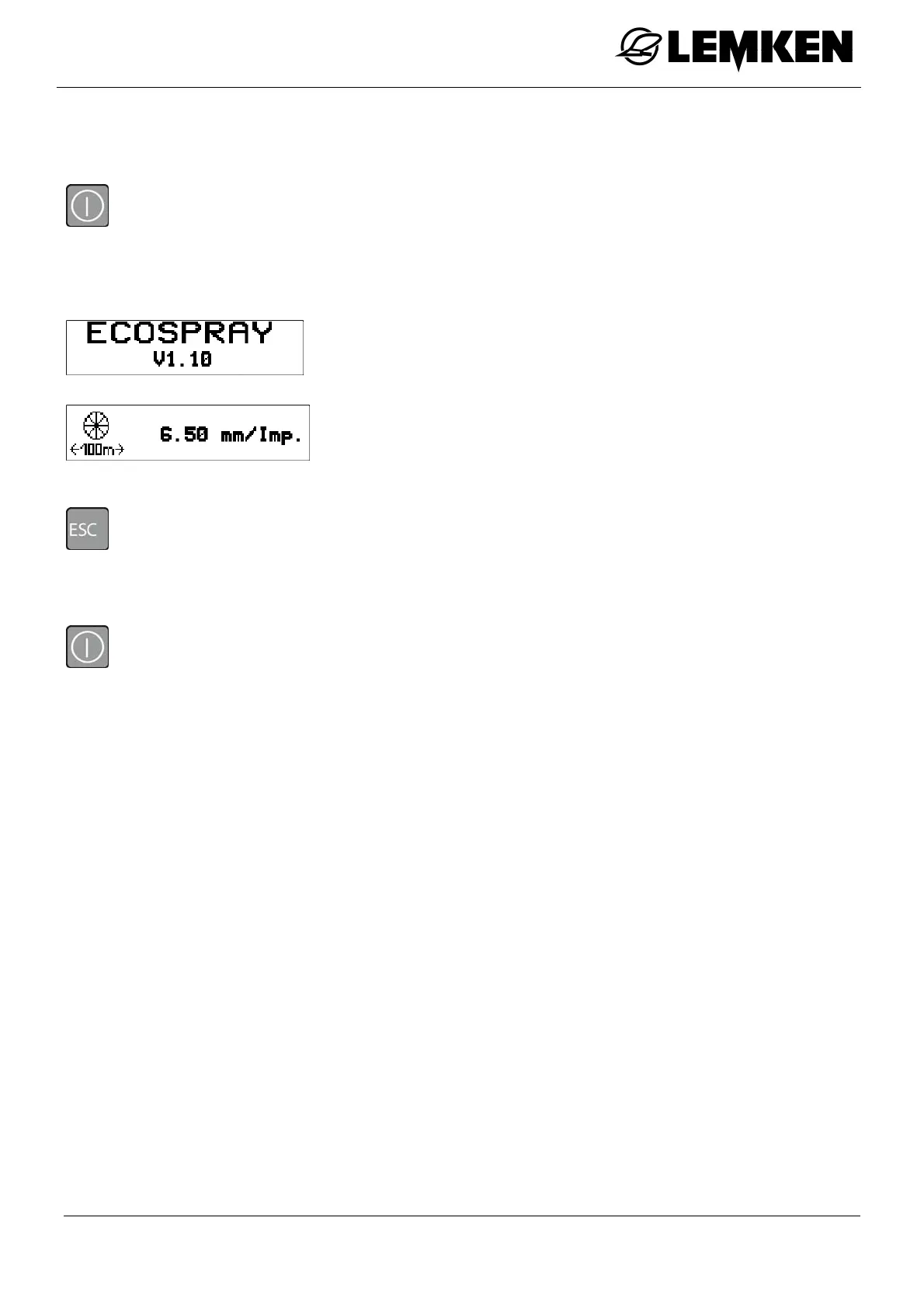
- Press the key to switch on the terminal.
A brief system check follows, during which all light-emitting diodes and key and the light-
emitting diode light up briefly.
The software version is then displayed.
The current pulse number then appears.
The displays after switching on can also be skipped directly:
- Press the key.
5.2.2 Switching off
- Press the key for approx. 3 seconds to switch off the terminal.



 To Next Page