Operation
83
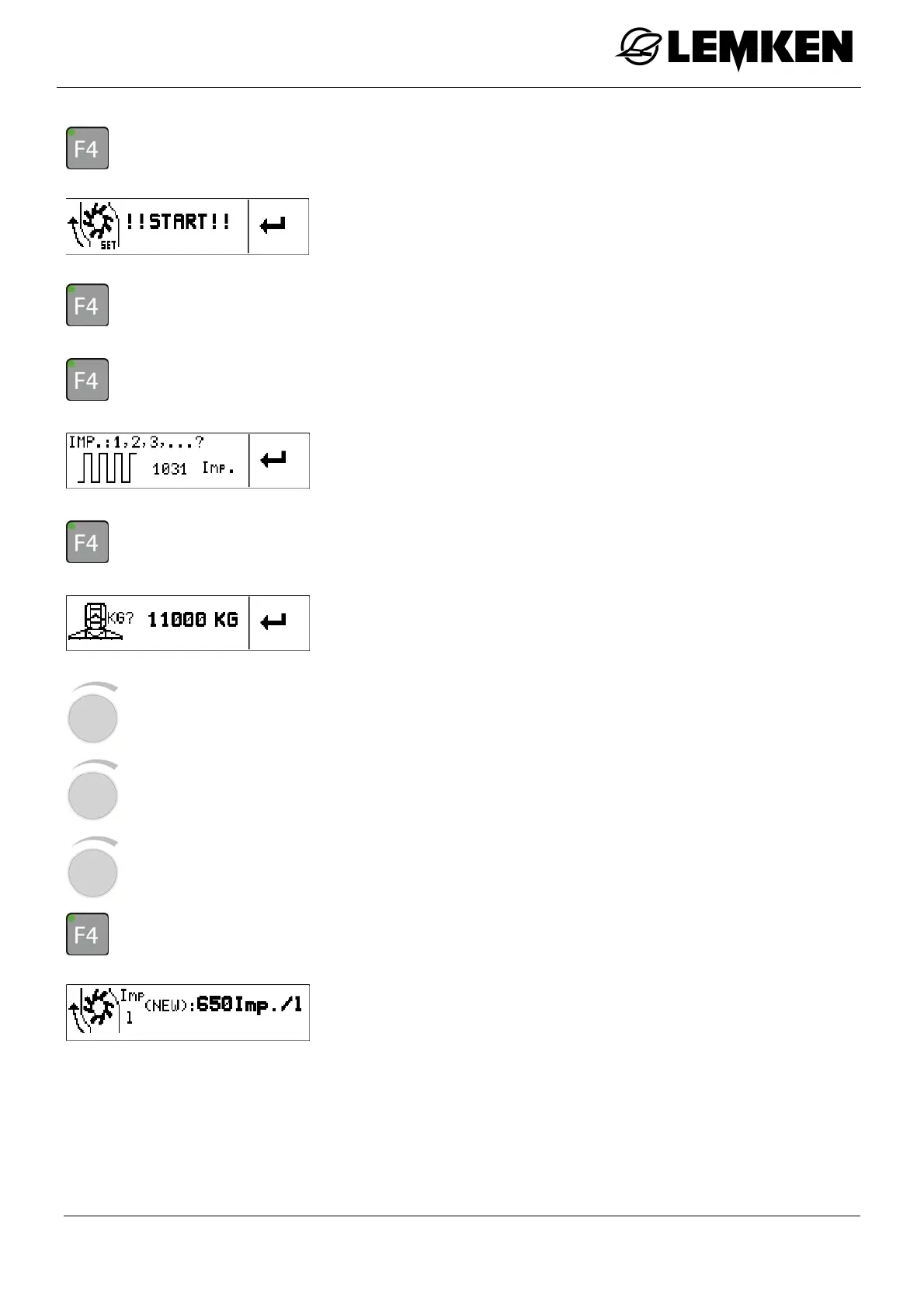
- Press the key to start the calibration.
The calibration start display now appears.
- Press the key to start the calibration.
If the main tank is completely empty:
- Press the key to stop the calibration.
The pulses display now appears.
- Press the key to confirm.
- Weigh the tractor and device combination.
The deadweight display now appears.
The deadweight must now be entered:
- Press the rotary encounter to select the value.
- Press the rotary encounter to enter the value.
- Press the rotary encounter to save the value.
- Press the key to confirm the deadweight.
The new pulse number display now appears.
The calibration of the flowmeter is now concluded.



 To Next Page