Operation
85
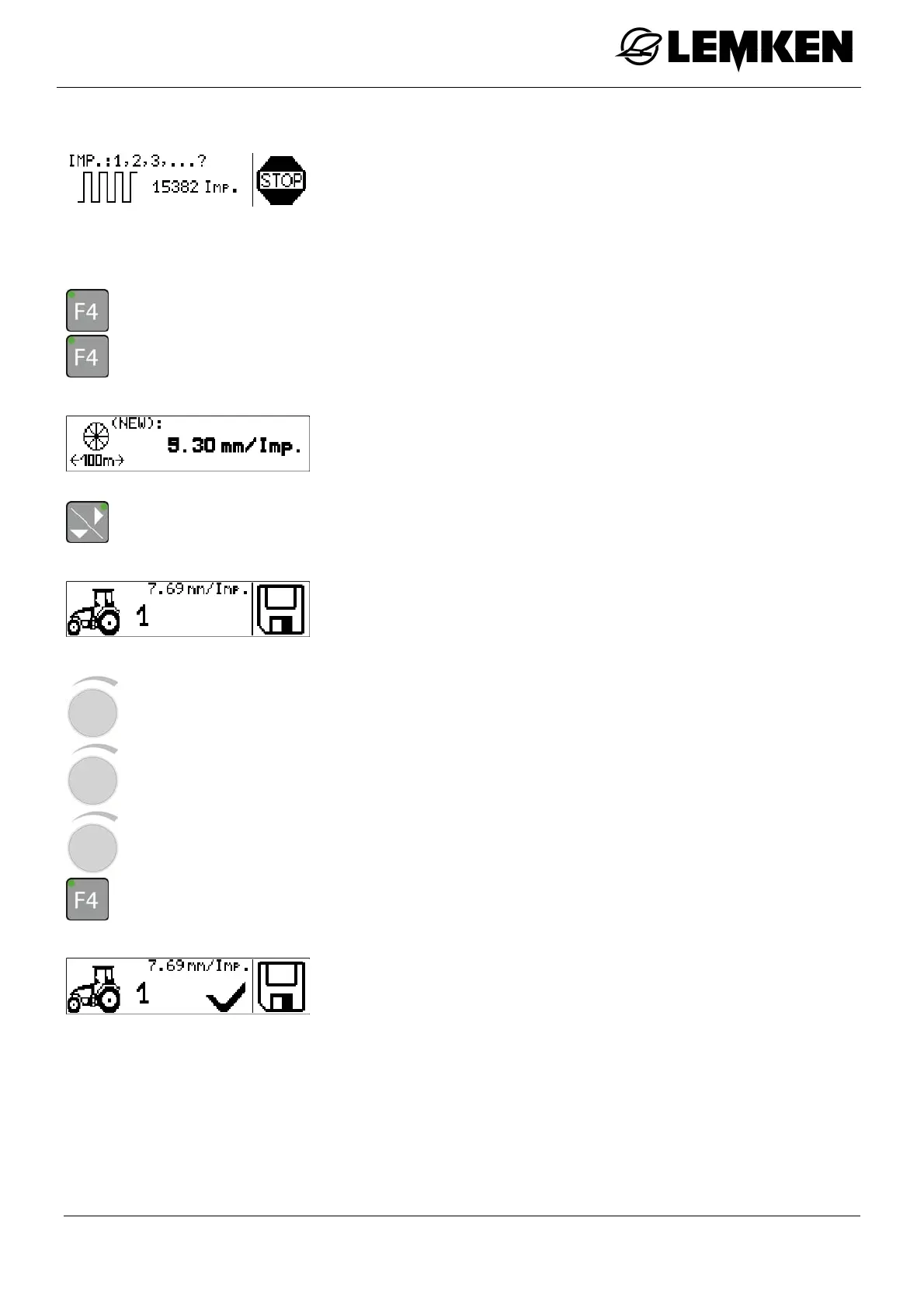
The Display 100 m calibration menu now appears.
- Drive a distance of 100 m.
After 100 m:
- Press the key to stop the 100 m calibration.
- Press the key to confirm the 100 m calibration.
The new pulse number now appears.
- Press the key to assign the new pulse number to a tractor.
The numbers 1 to 5 refer to five possible tractors.
For up to five tractors, the pulse values can be saved and downlo-
aded.
- Press the rotary encounter to select the number.
- Press the rotary encounter to enter the number.
- Press the rotary encounter to confirm the number.
- Press the key for approx. 2 seconds in order to assign the tractor selected.
A tick now appears in the display.
The 100 m calibration is now concluded for this tractor. For every
other tractor, the 100 m calibration must be carried out again.



 To Next Page