Operation
86
Selection of pulse counter per tractor
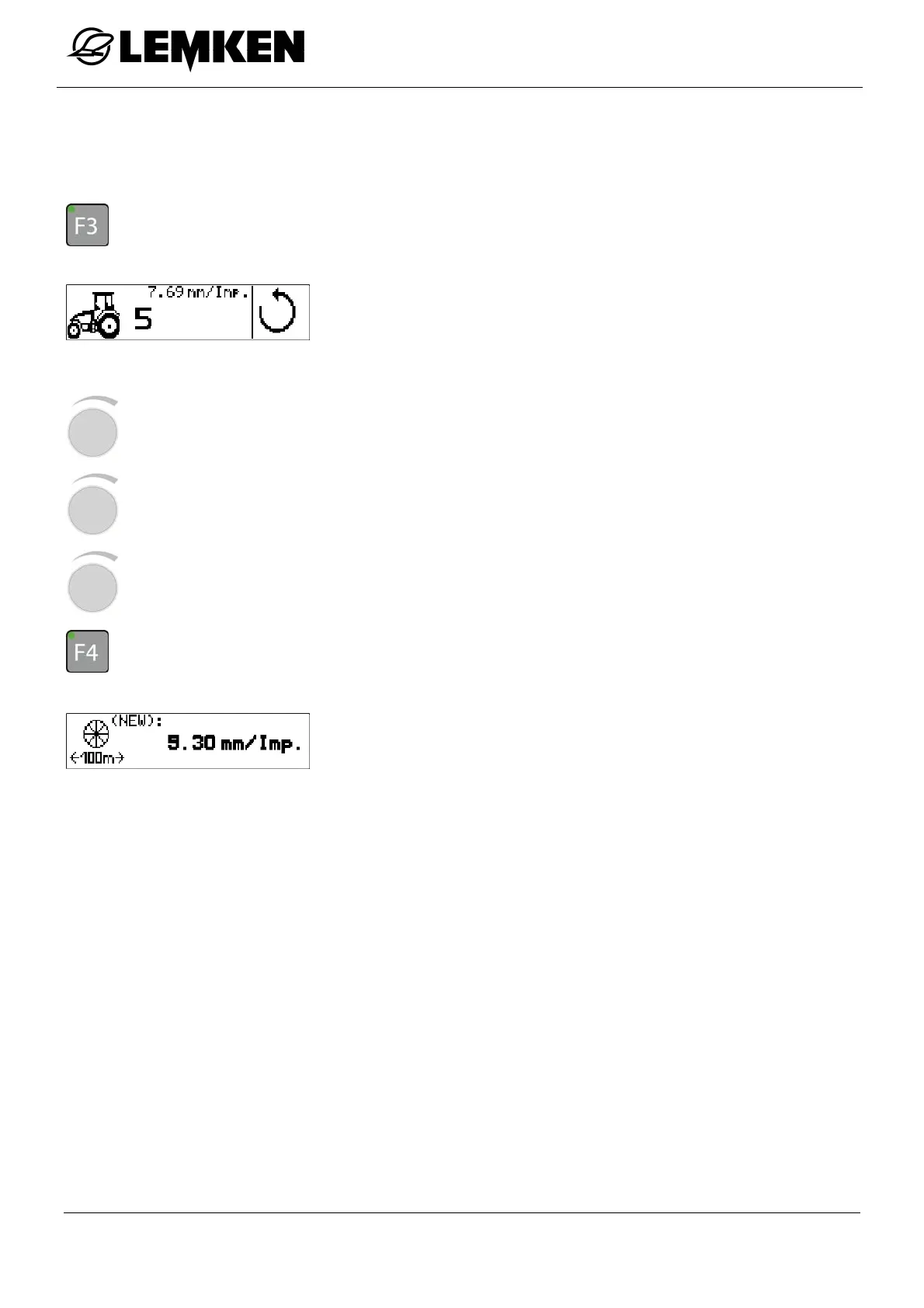
Depending on the tractor, the required pulse number is downloaded and set as follows:
- Press the key to enter the tractor selection display.
The numbers 1 to 5 refer to five possible tractors with the assigned
pulse counter.
To select the tractor:
- Press the rotary encounter to select the number.
- Press the rotary encounter to enter the number.
- Press the rotary encounter to confirm the number.
- Press the key for approx. 2 seconds in order to save the pulse number as a current pul-
se number.
The new pulse number now appears.



 To Next Page