Filling the main tank
63
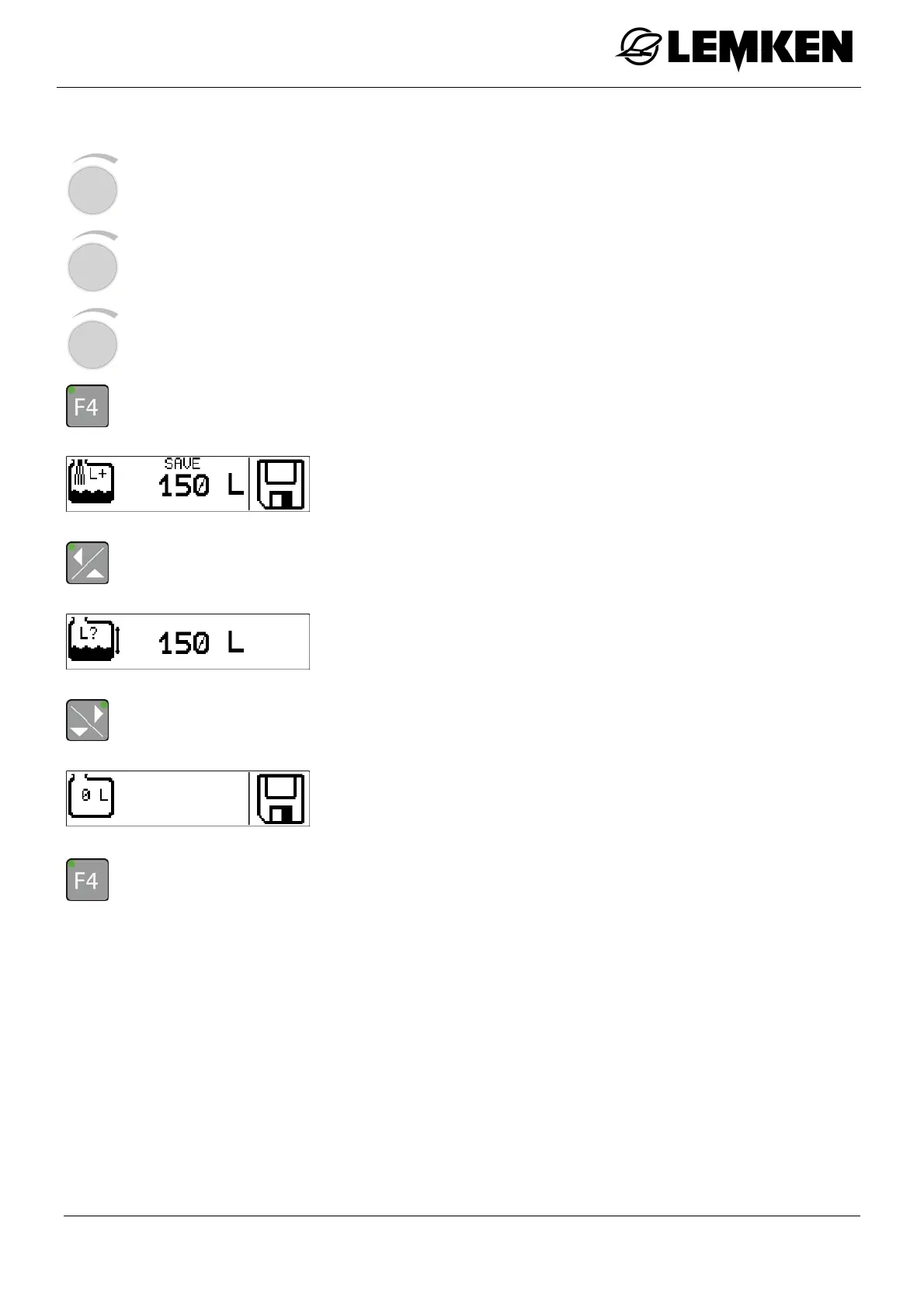
- Press the rotary encounter to select the value.
- Press the rotary encounter to enter the value.
- Press the rotary encounter to confirm the number.
- Press the key for 3 seconds to save the value.
The saved top-up quantity now appears.
- Press the key to enter the previous display.
The current filling quantity now appears, for checking purposes.
- Press the key to enter the zero quantity display.
The zero quantity display now appears.
- Press the key for 3 seconds to set the current quantity to 0 and save.
The word 'SAVE' appears on the display.



 To Next Page