Operation
70
Higher/lower quantity steps
The higher/lower quantity step can be adjusted in steps of 1%.
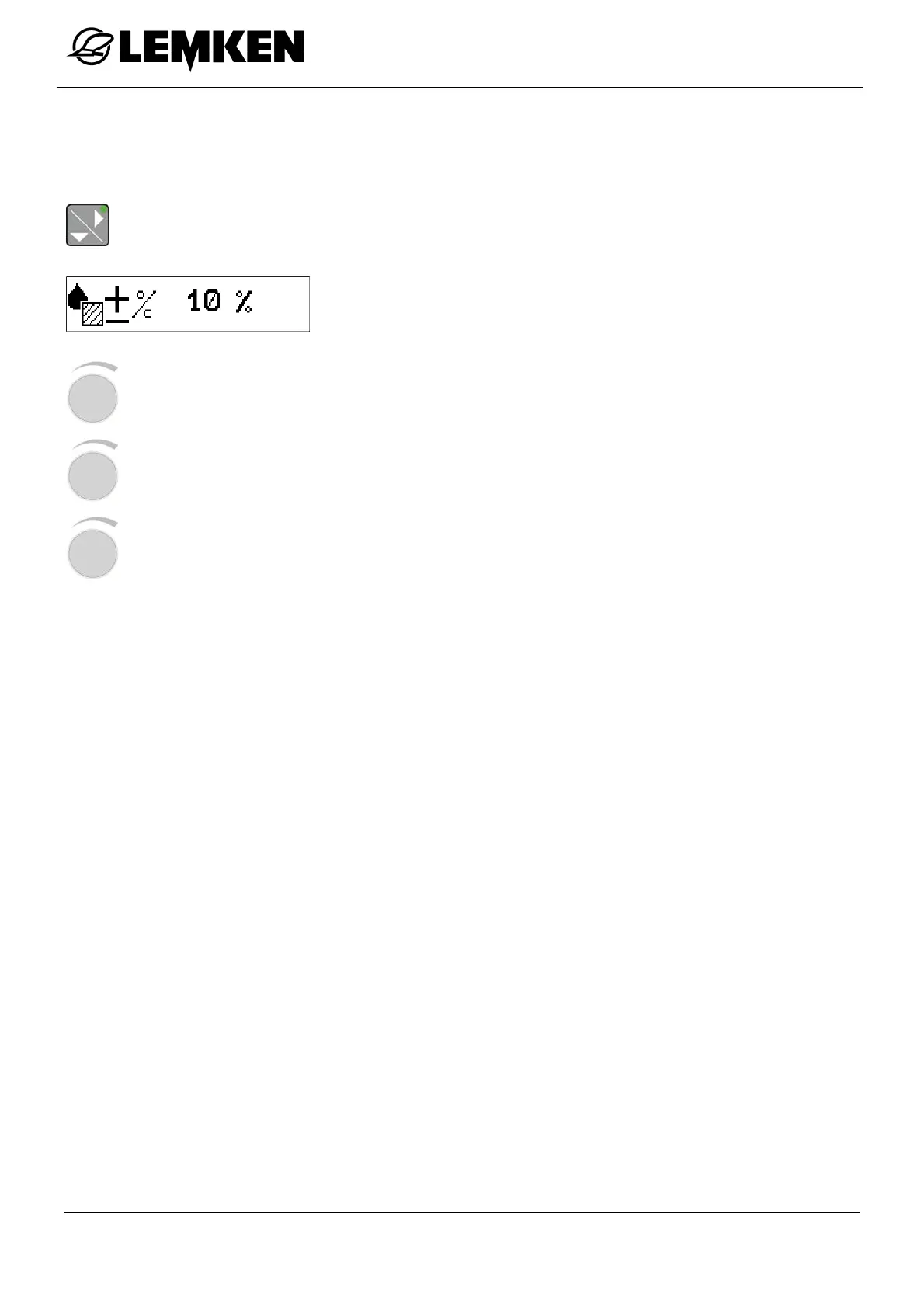
The higher/lower quantity level can be displayed in the operating menu:
- Press the key to enter the higher/lower quantity levels in % display.
The higher/lower quantity level now appears in %.
- Press the rotary encounter to select the value.
- Press the rotary encounter to enter the value.
- Press the rotary encounter to save the value.



 To Next Page