Operation
89
Automatic/manual browsing function
Depending on the settings, other functions result in the operating menu.
AUTO: by pressing the spraying on/off key, you reach the operating menu directly.
MAN: by pressing the spraying on/off key, you remain in the current display.
As soon as the main switch is pressed, the Operating menu is automatically shown on the dis-
play.
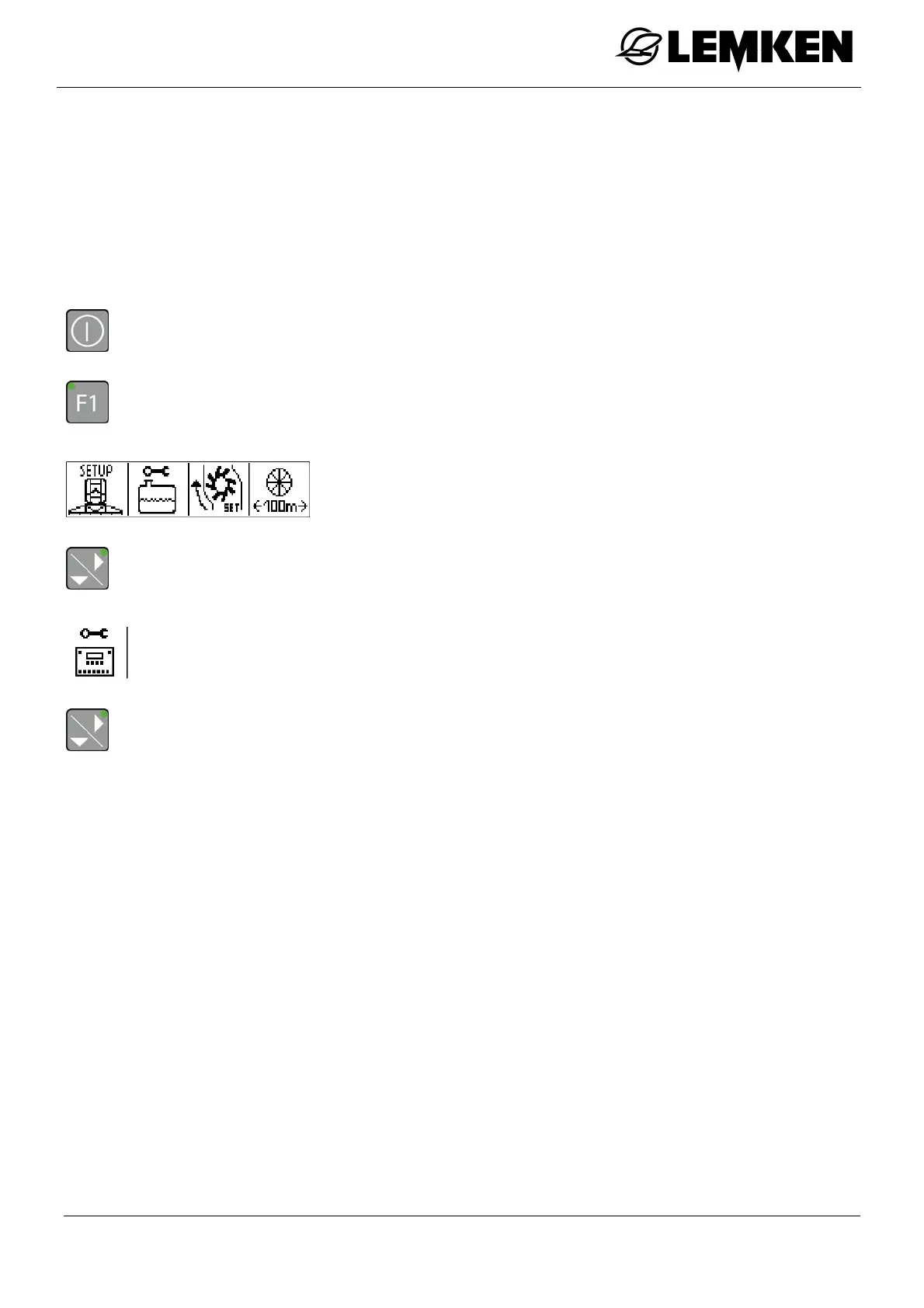
- Press the key to switch on the terminal.
- Press the key to enter the setting menu.
The setting menu now appears.
- Press the key to enter the second setting menu.
The second setting menu now appears.
- Press the key to enter the automatic/manual display.



 To Next Page