EasyManua.ls Logo

Lenz digital plus lh01 - Page 41

Lenz digital plus lh01
64 pages
Print Icon
To Next Page IconTo Next Page
To Previous Page IconTo Previous Page
Loading...
41
13.1.1 Reading a locomotive address
Place the locomotive whose address you would like to read on the
programming track.
Proceed as described under Setting and reading a locomotive
address on the programming track.
Action
Display
Explanation
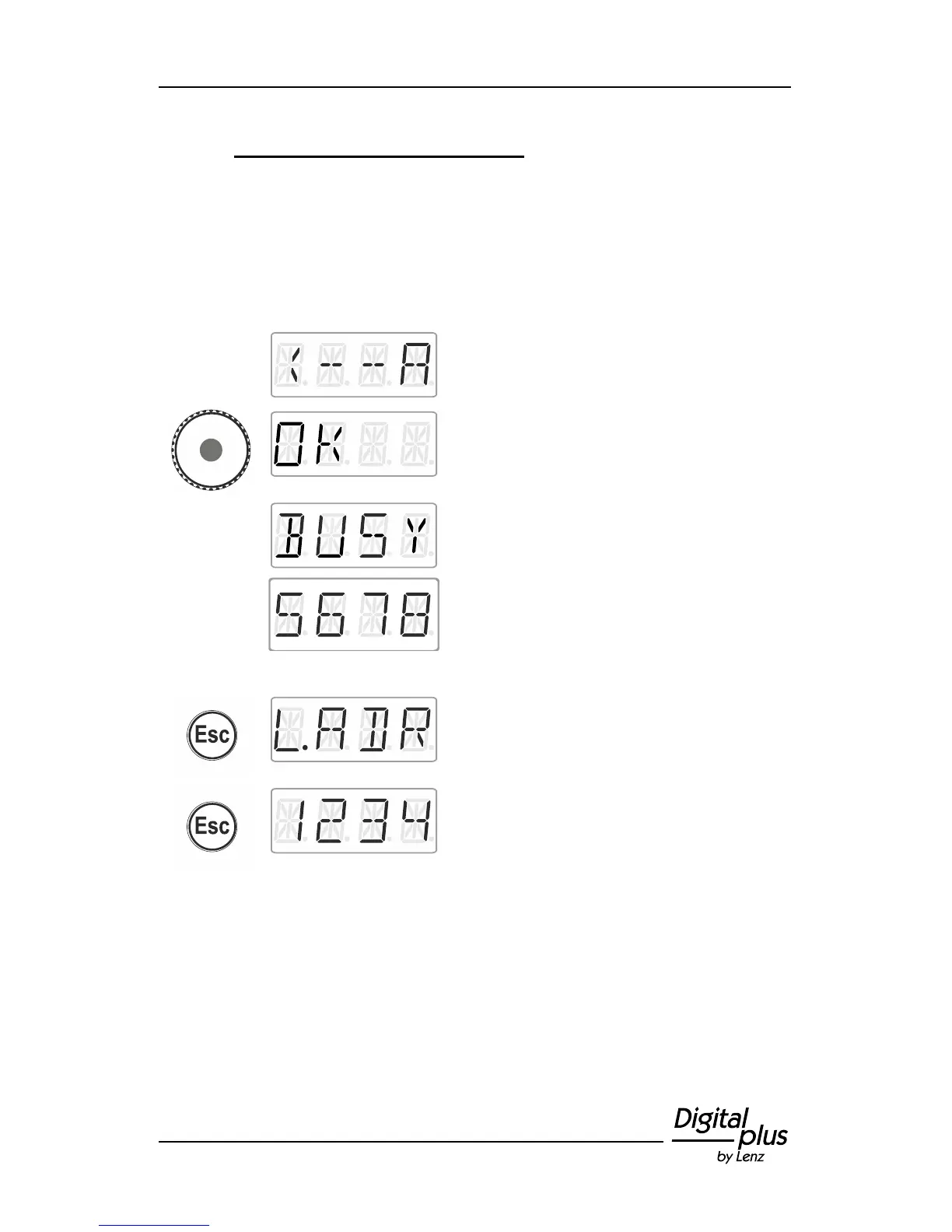
Select Read address.
Press the centre of the rotary knob to start the
reading process.
The reading process takes some time. The
display shows BUSY.
Once the reading process is completed, the
identified locomotive address is displayed.
Either
press 'Esc' to return to read/write address and
press 'Esc' to return to Locomotive control

Table of Contents

Other manuals for Lenz digital plus lh01

Related product manuals