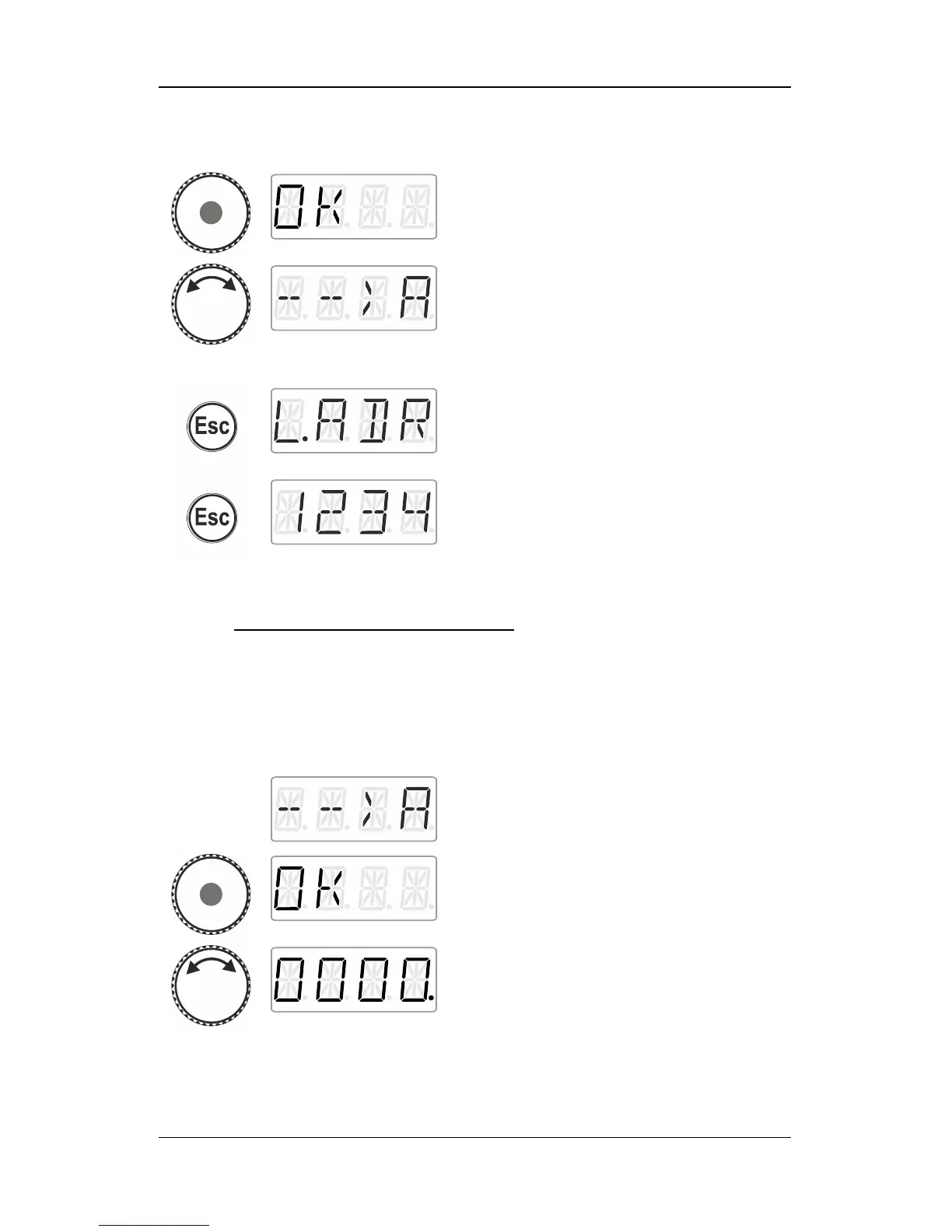
press the centre of the rotary knob. The
display shows ‘OK’…
You are back in the menu read/write address.
You can choose between writing an address
(as you may want to change the address that
you have read). In this case, proceed as
described in section "Writing a locomotive
address", p. 42.
Press 'Esc' to return to the system menu.
Turn the rotary knob to select another system
menu or …
... press 'Esc' to return to ‘Locomotive control’.
13.1.2 Writing a locomotive address
Place the locomotive whose address you would like to write on the
programming track.
Proceed as described under ‘Setting and reading a locomotive
address on the programming track ‘.
Confirm your selection by pressing the centre
of the rotary knob. ‘OK’ is displayed.
Set the address that you would like to write
into the locomotive. To set the address,
proceed as described under ‘Entering a new
locomotive address into the stack‘ (p. 16).



 To Next Page