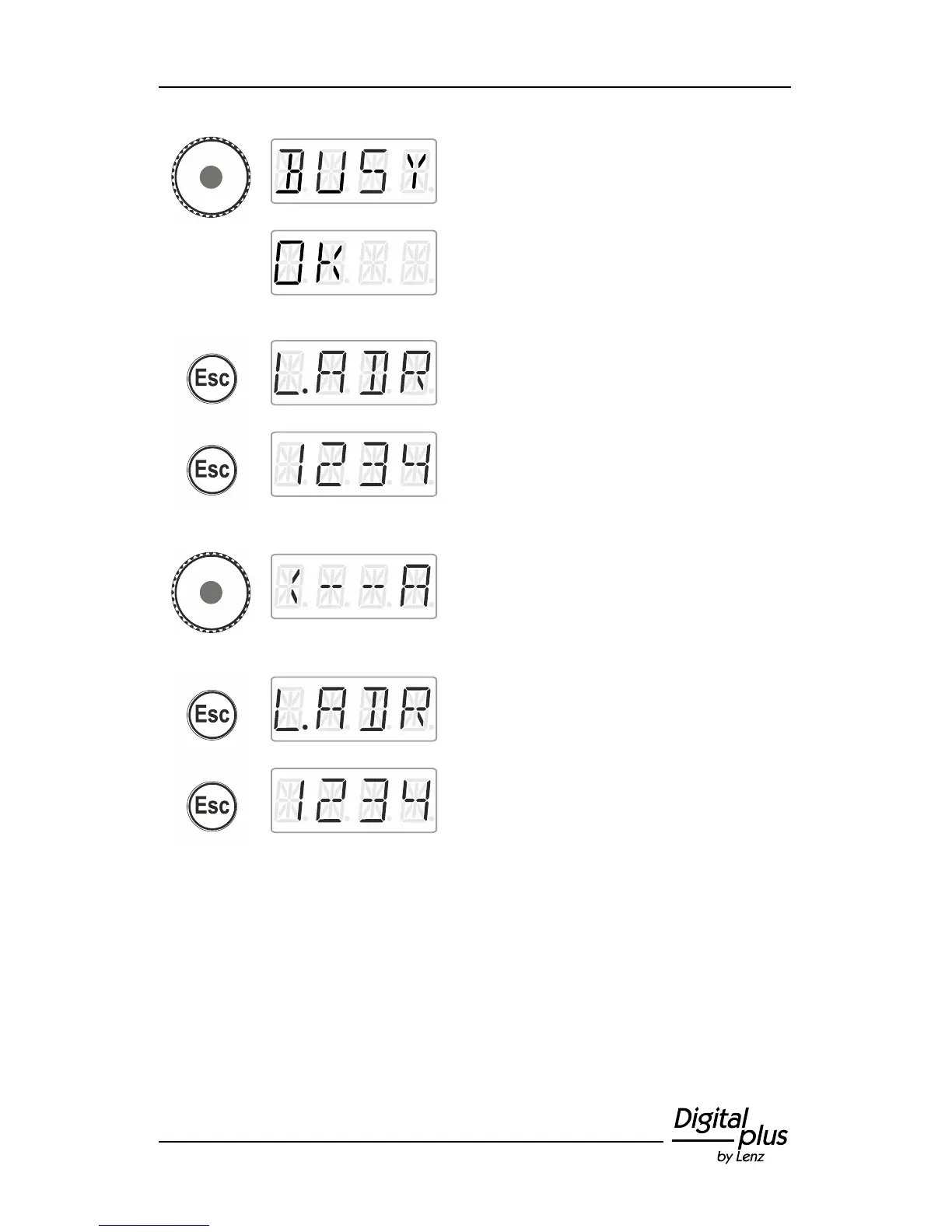
Press the centre of the rotary knob to launch
the writing process. The display shows
‘BUSY’.
If the writing process was successful, ‘OK’
(‘sent’) will be displayed.
press 'Esc' to return to the menu ‘L.ADR’.
You can now select another system menu …
… or press 'Esc' to return to ‘Locomotive
control’.
press the centre of the rotary knob. You are
back in the selection/menu read/write
address. You can select between reading an
address to verify the address (proceed as
described in section Reading a locomotive
address, p. 41).
Press 'Esc' to return to the system menu.
Turn to select another system menu …
... or press 'Esc' to return to ‘Locomotive
control’.



 To Next Page