Starting up the device – webConfig tool
Leuze electronic GmbH + Co. KG BPS 307i 64
• Status: Upper/lower position limit value½
Signals a value above/below the position limit.
• Speed
Current speed of the BPS
• Status: Speed invalid
Signals that no valid speed can be ascertained.
• Status: speed limit value1-4
Signals that speed limit value1-4 has been exceeded or has not been met.
• Direction of movement
Signals the direction of movement of the BPS.
• Tape direction
Signals the orientation of the BPS to the BCB (0° or 180°).
• Status IO1, IO2
The status of the switching input/output is output.
Configuration of the switching inputs/outputs (DEVICE tab)
• I/O mode: switching input or switching output
• Output function
• Input function
• Time behavior functions
• Signal delay
• Pulse duration
• Switch-on/switch-off delay
• Debounce time
• Inversion yes/no
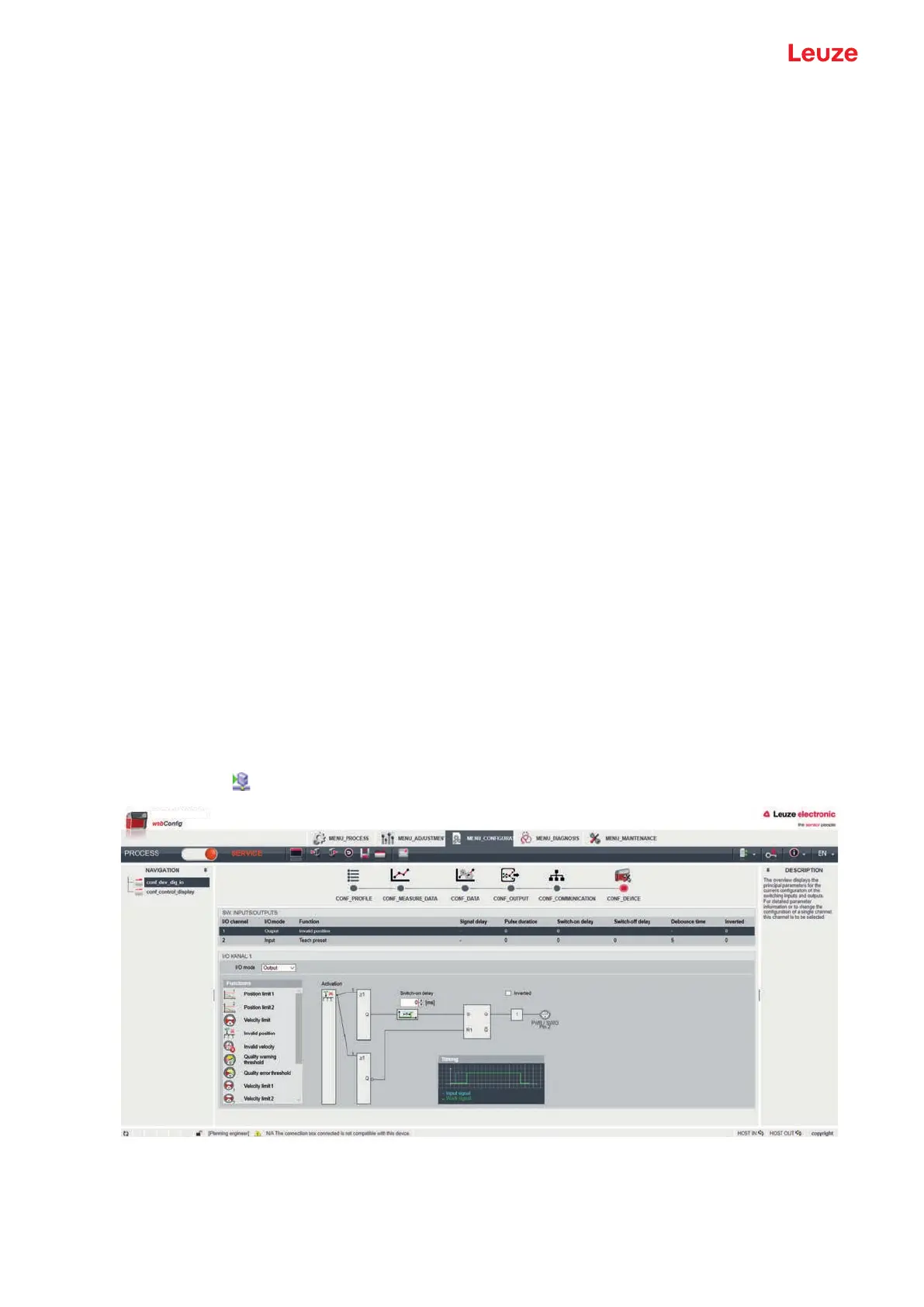
Configuring switching outputs
Ä Select the function symbol for activation of the switching output in the Functions area.
Ä Use the left mouse button to drag the function symbol into the Activation window.
Ä Configure the timing; see "Time behavior functions of the switching inputs/outputs".
Ä Save the configuration of the switching outputs in the device.
Click on the
icon.
Fig.9.6: Configuration of the switching outputs
Possible signals via the switching outputs:
• Position limit 1/2
Signals a value above/below the position limit.



 To Next Page