Starting up the device – webConfig tool
Leuze electronic GmbH + Co. KG BPS 307i 65
• Invalid position
Signals that no valid position can be ascertained.
• Speed limit
Signals a value above/below the speed limit.
• Speed limit value1-4
Signals that speed limit value1-4 has been exceeded or has not been met.
• Invalid speed
Signals that no valid speed can be ascertained.
• Quality warning threshold
Signals that the reading quality is less than the warning threshold.
• Quality error threshold
Signals that the reading quality is less than the error threshold.
• Device error
Signals a device error.
• Marker bar code or control bar code label detected
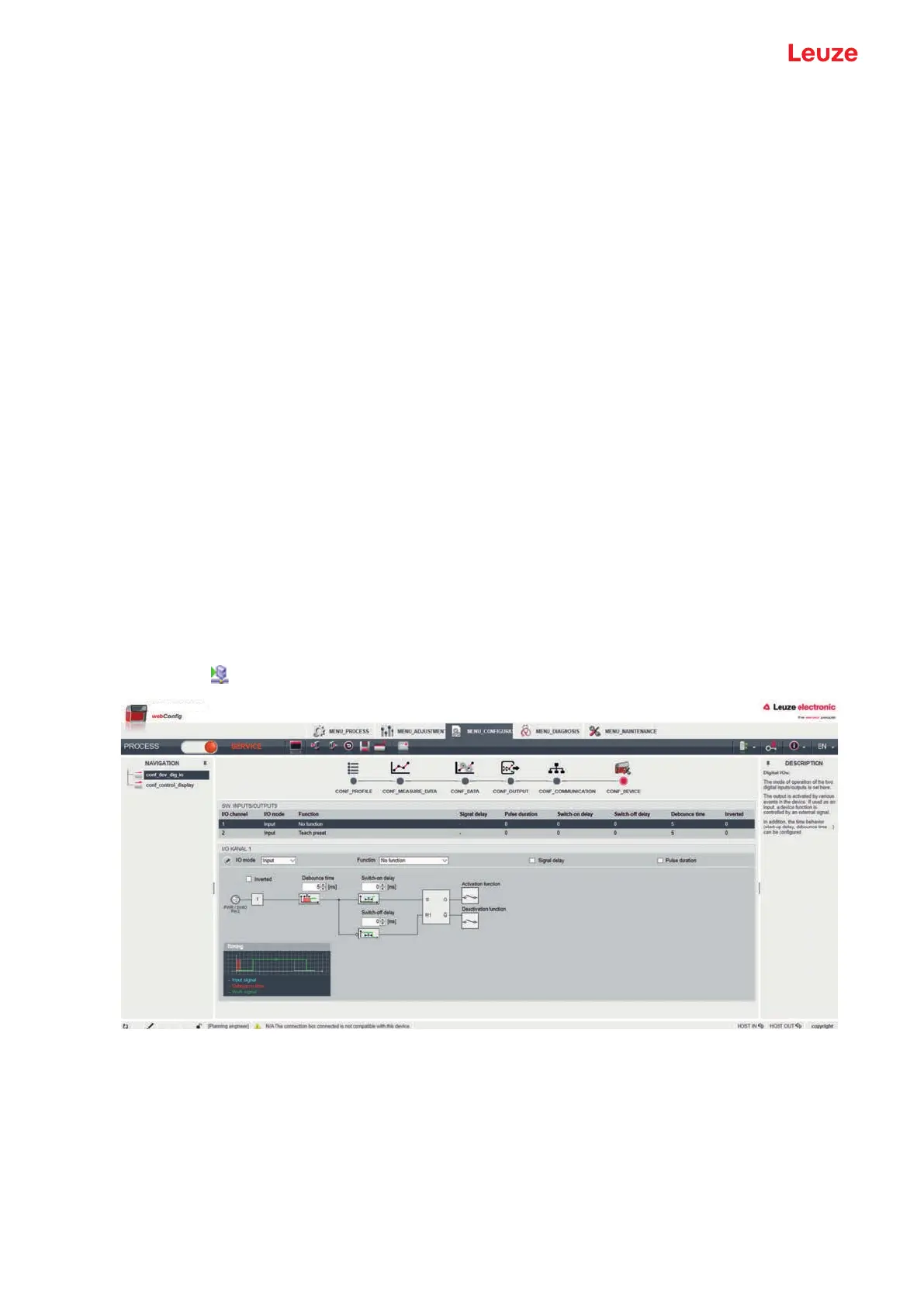
Configuring switching inputs
Ä Select the function of the switching input from the Function list:
• No function
• Start/stop measurement
• Teach preset
• Reset preset
Ä Configure the timing; see "Time behavior functions of the switching inputs/outputs".
Ä Save the configuration of the switching inputs in the device.
Click the
symbol.
Fig.9.7: Configuration of the switching inputs
Time behavior functions of the switching inputs/outputs
The time behavior functions (e.g., start-up delay) can only be configured with the webConfig tool.
• Start-up delay
With this setting, the output pulse is delayed by the specified time (in ms).
• Switch-on time
Defines the switch-on time period for the switching input. Any activated switch-off function then no
longer has any function.



 To Next Page