Chapter 2 Basic Web Management Information
2.1 System login
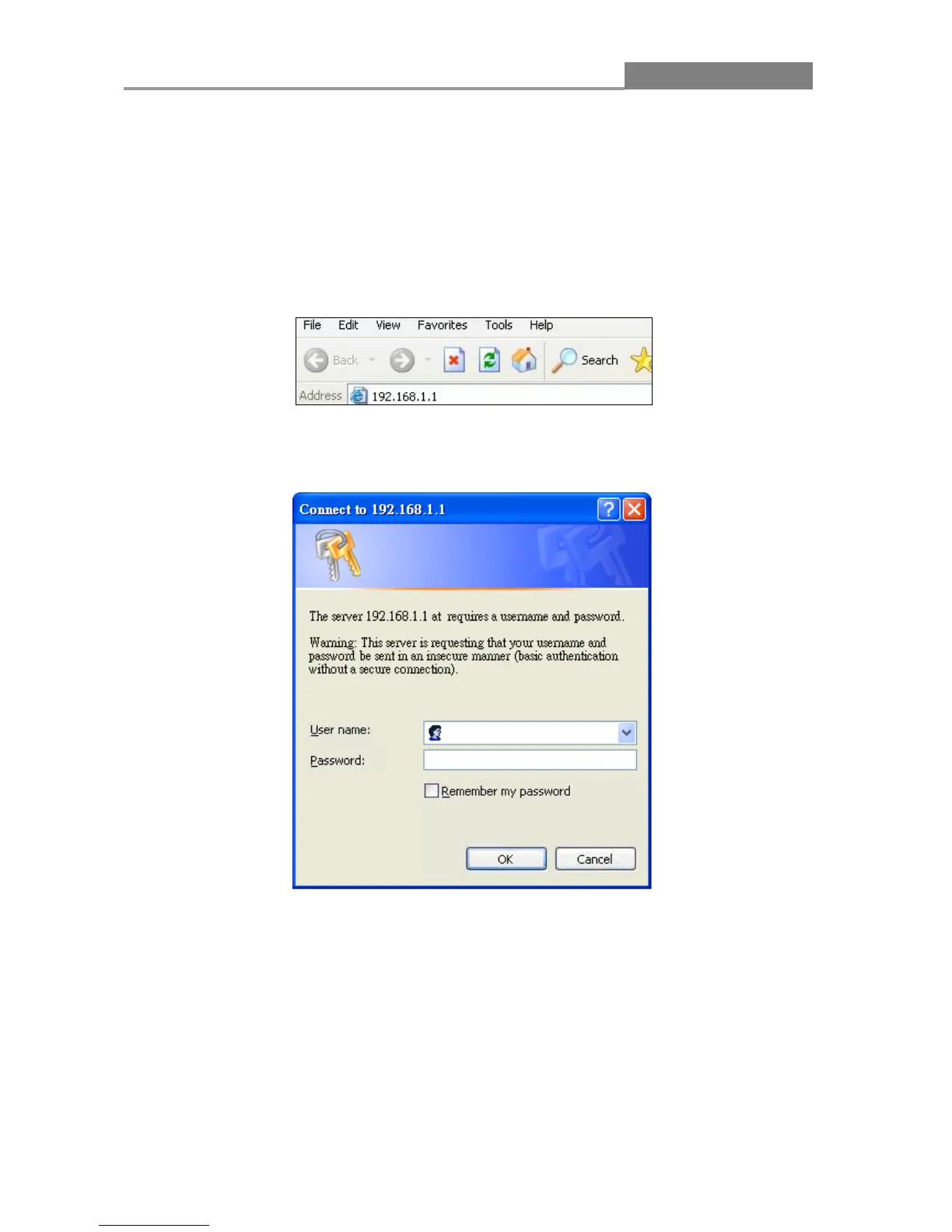
1. Start your web browser.
2. Type “http://”and the IP address of the switch (for example, the default management IP
address is 192.168.1.1) in the Location or Address field. Press [ENTER].
3. The login screen appears. The default username and password are admin, so you can click
OK and go to the web configuration screen directly.














 To Next Page